
Mount & Blade II: Bannerlord
Banner Colors
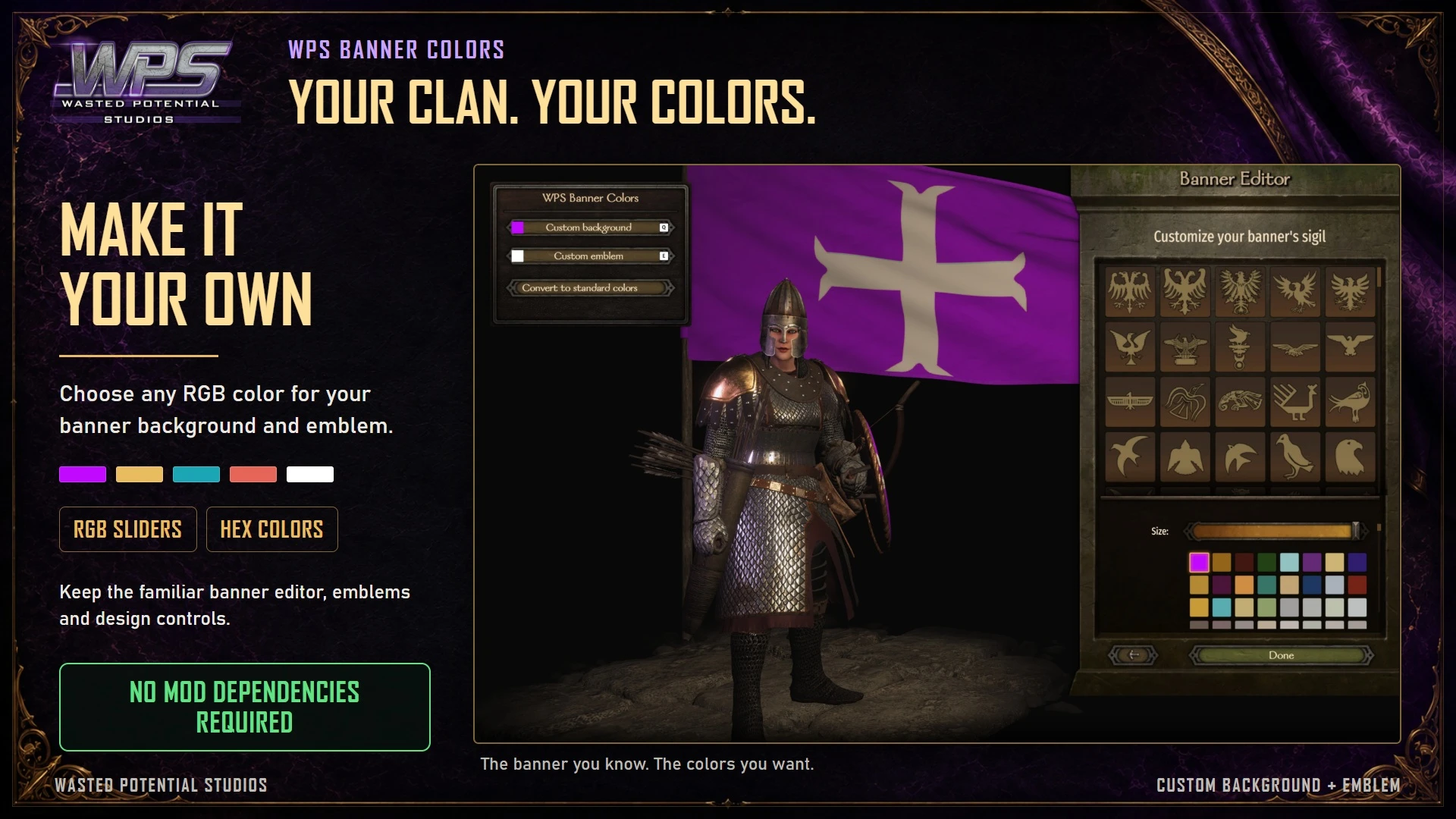
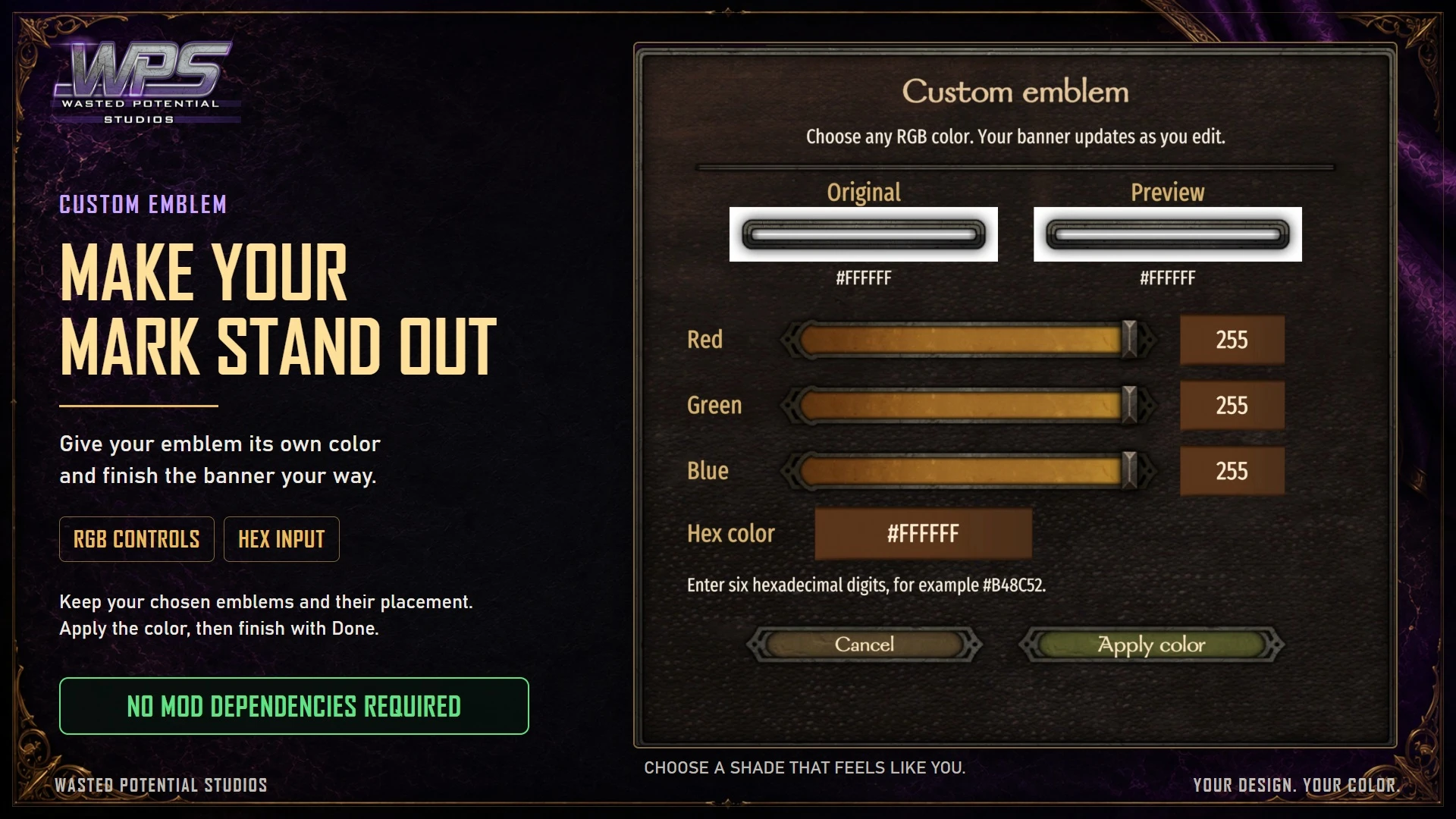
Give your clan a color of its own with a live banner preview and a full color picker. Keep your existing banner design while choosing the background and emblem colors you want.
Player guide View release notes
Make it your own
What it brings to your game
Custom banner colors
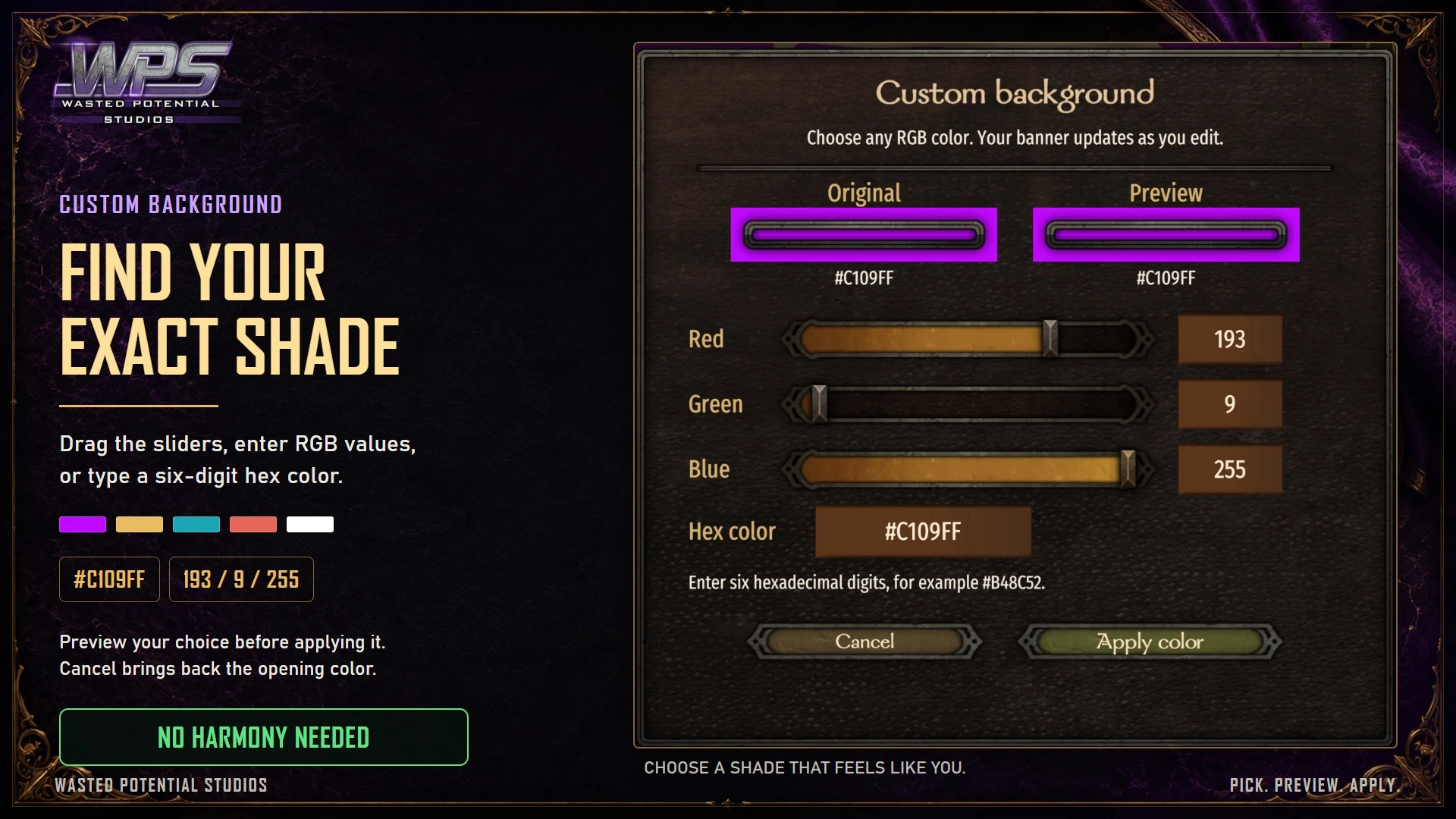
Live color preview
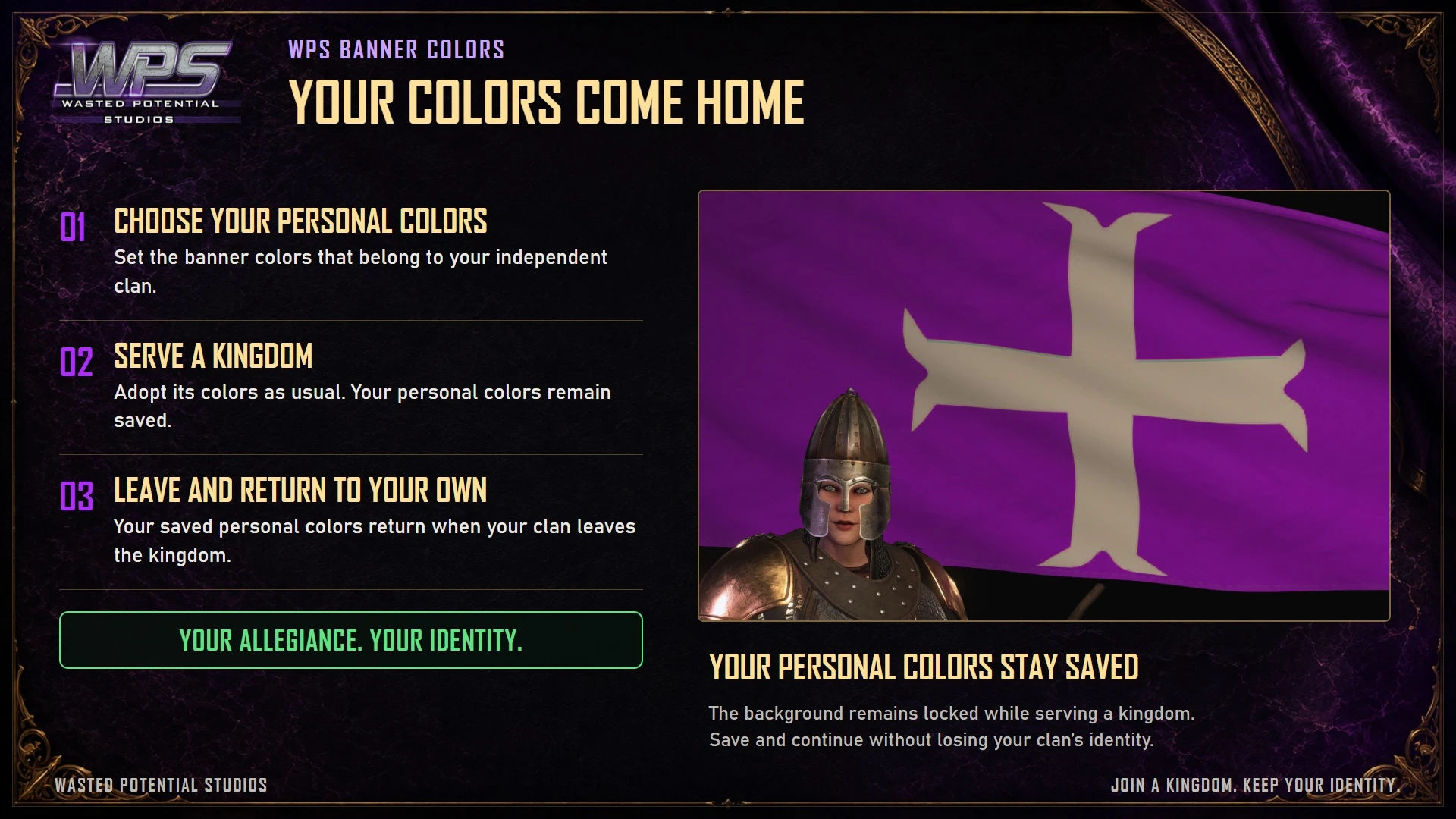
Normal kingdom color changes
Player guide
Make the most of your mod
Requirements
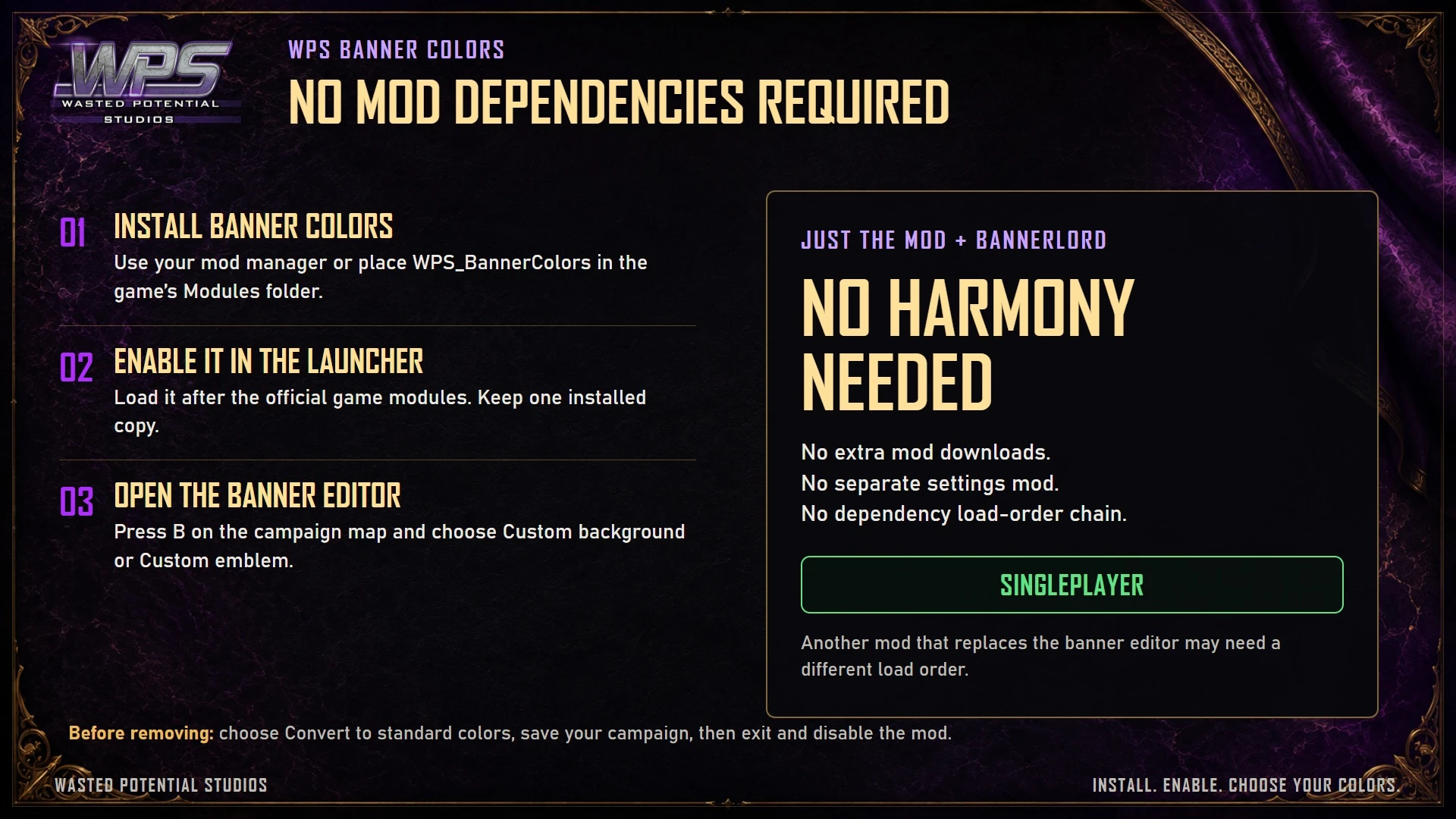
For Bannerlord 1.5.2 single-player campaigns. Enable Native, SandBoxCore, and Sandbox. Banner Colors does not require Harmony or any other third-party mod.
Installation
- Close Bannerlord. Subscribe on Steam Workshop, install the Nexus download through your mod manager, or place the complete WPS_BannerColors folder inside Bannerlord’s Modules folder.
- Enable [WPS] Banner Colors after the official game modules, then start or load your campaign.
- Keep one enabled copy. When changing between Steam and Nexus, disable or remove the previous copy before enabling the replacement.
Choose your colors
Your existing banner design stays in place. Normal kingdom color changes still apply.
- Open the banner editor from the campaign map with B.
- Choose a background or emblem color with the picker, or enter RGB values or a hex color.
- Review the live preview, select Apply color, then select Done to keep your banner.
Before removing the mod
Keep a separate save before conversion if you want to return to your custom colors later.
- While Banner Colors is still enabled, open the banner editor and select Convert to standard colors.
- Confirm the conversion and make a new save.
- Exit the game, then disable or remove Banner Colors.
A closer look
Gallery
The latest, and what came before
Release notes
Version 1.0.0September 6, 2026Steam Workshop
- Choose any colour for your clan banner's background and emblem.
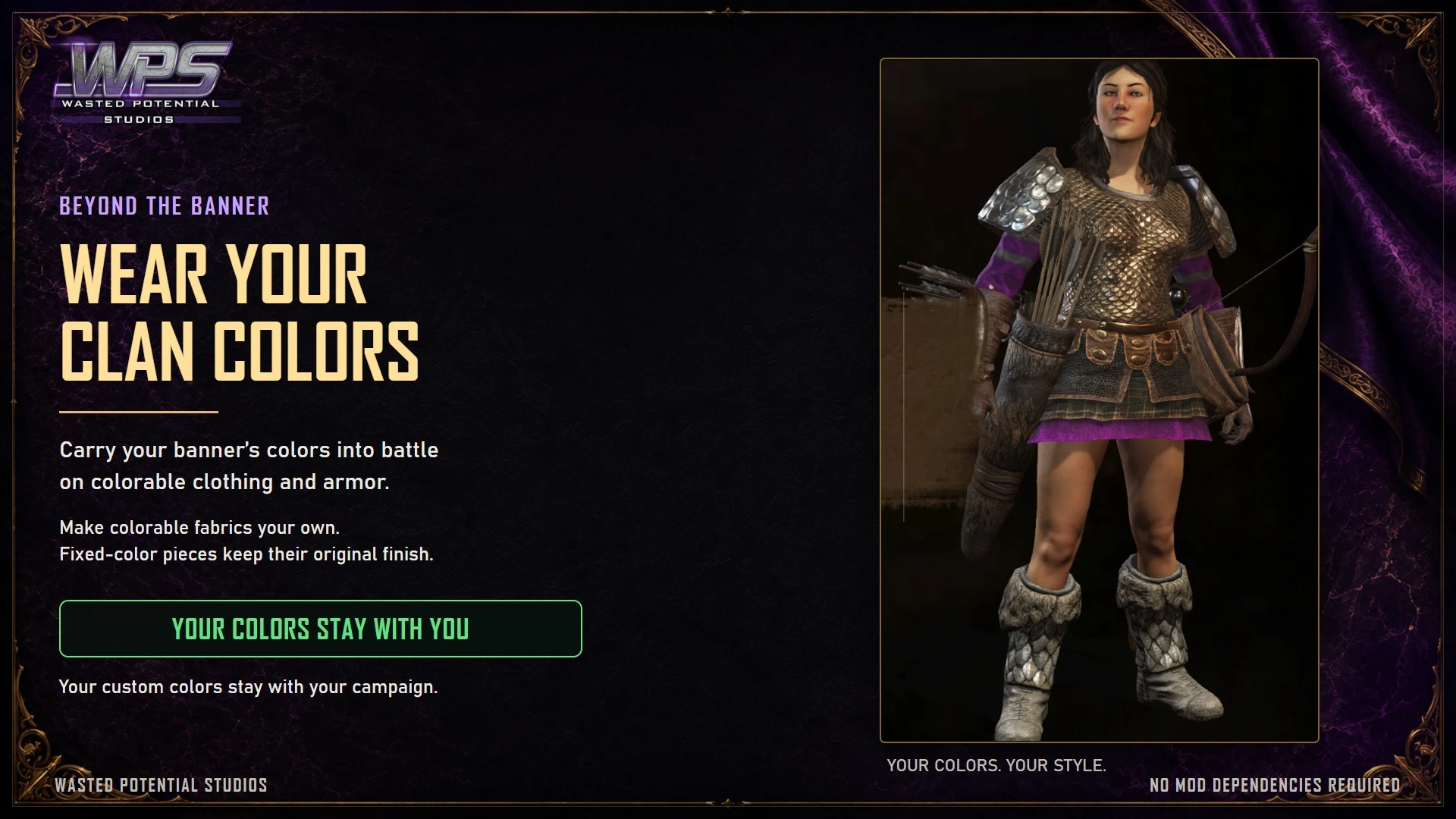
- Preview your colours, use them on colourable equipment, and keep your personal shades after leaving a kingdom.
- No other mod is required.