
Mount & Blade II: Bannerlord
Open World Sight
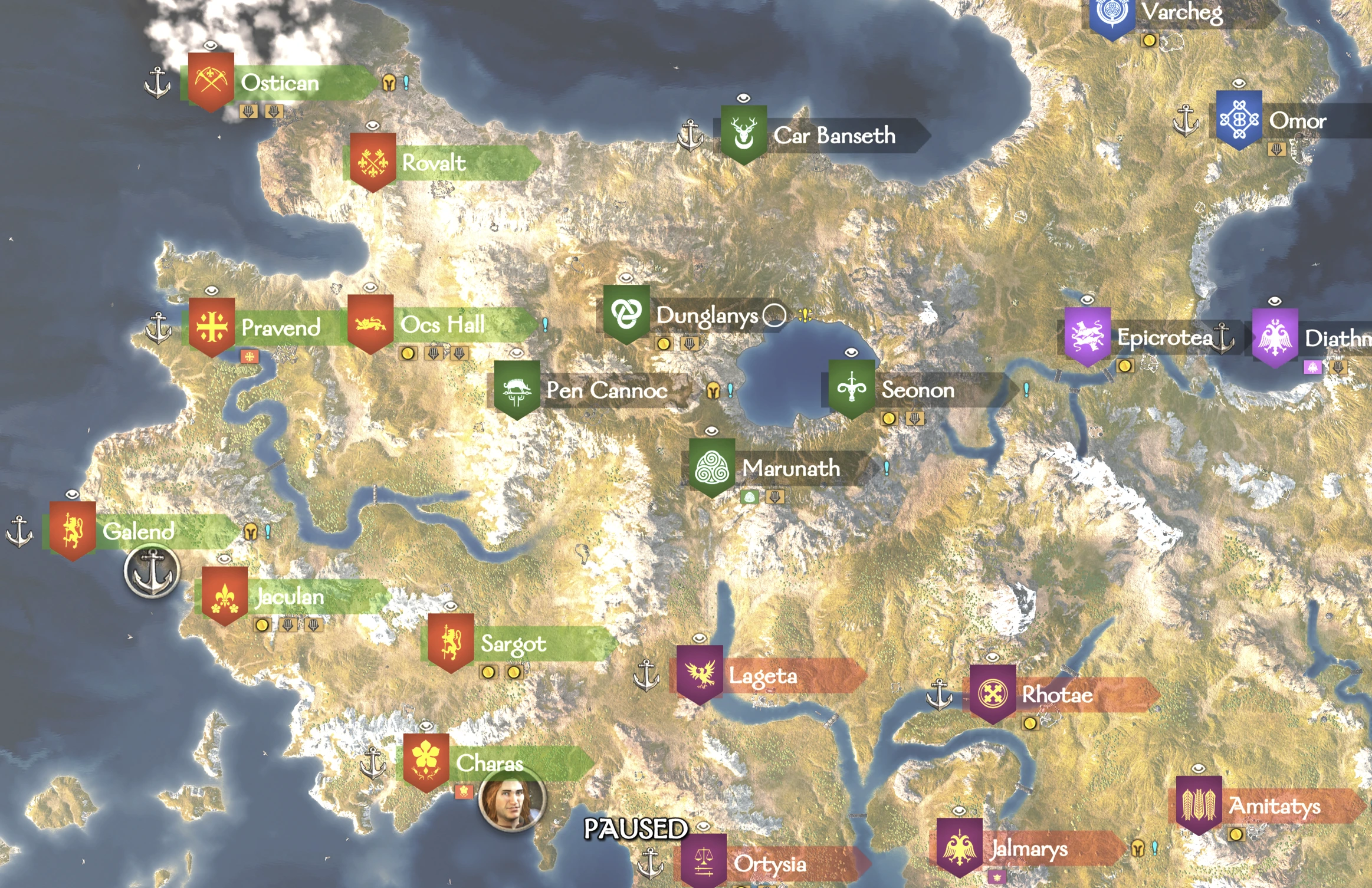
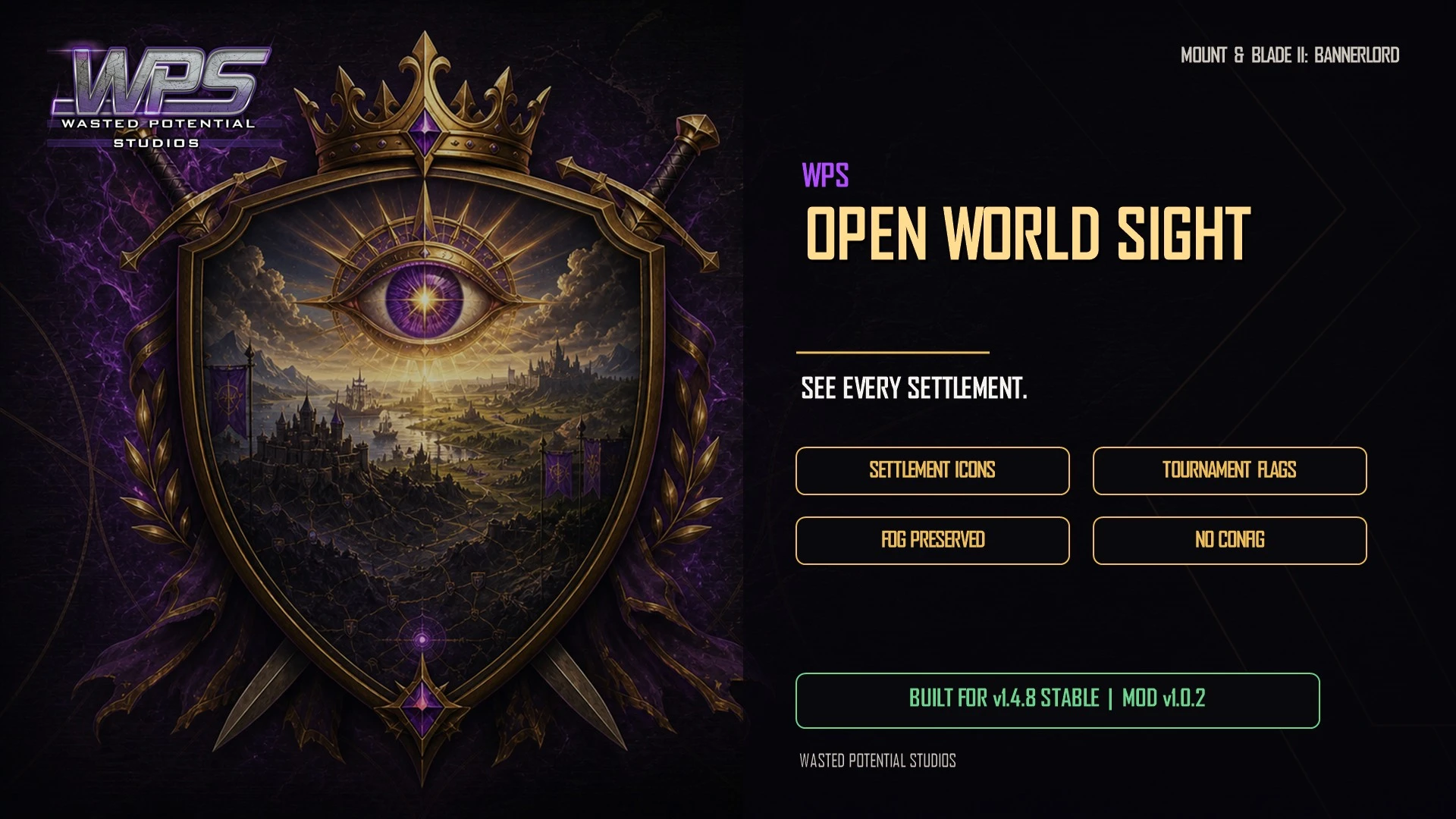
See settlement mission icons and tournament flags from anywhere on the campaign map. Find your next opportunity before setting out on a long journey.
Player guide View release notes
Make it your own
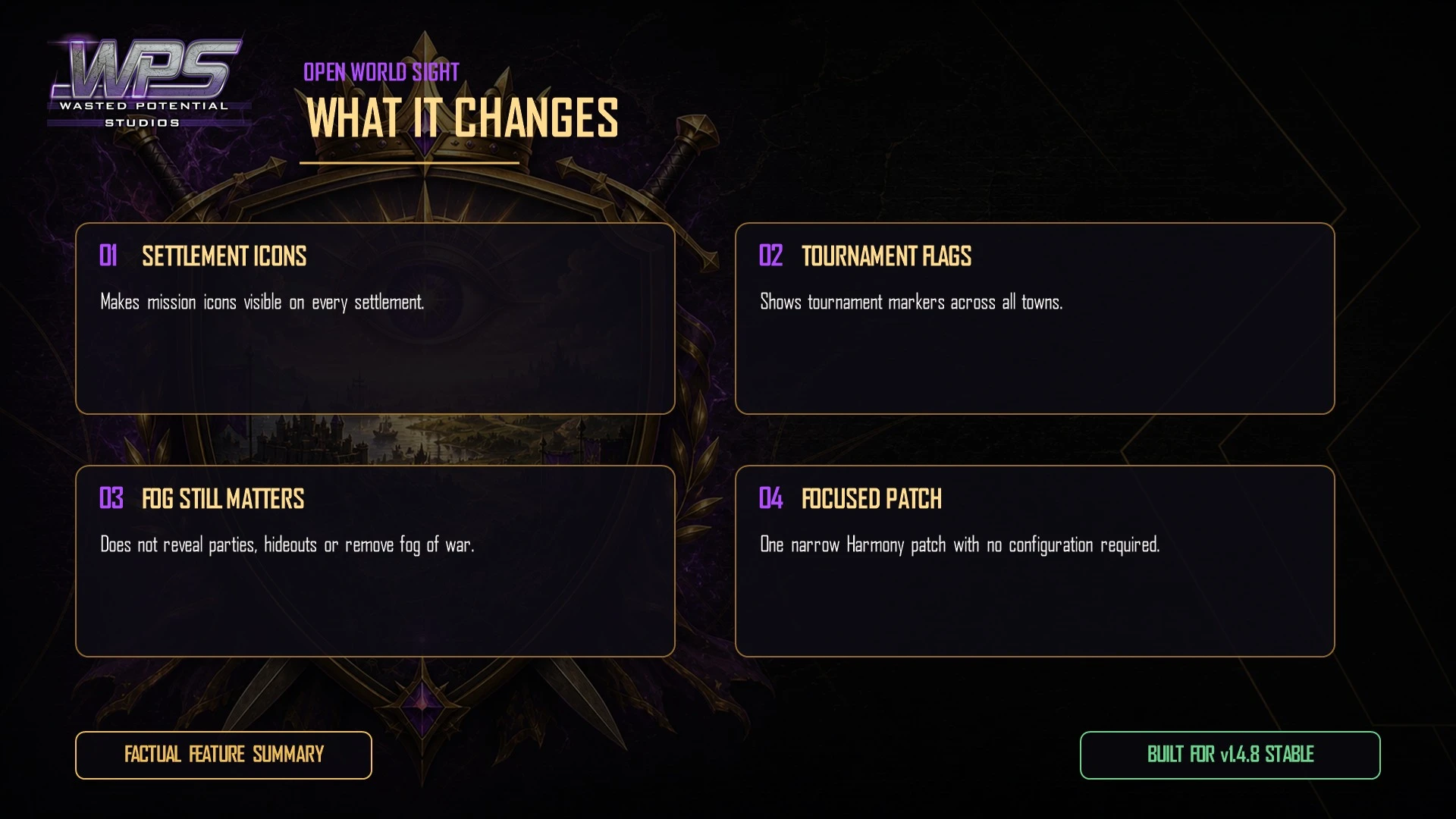
What it brings to your game
Distant mission icons
Tournament flags across the map
Normal fog of war remains
Player guide
Make the most of your mod
Before you install
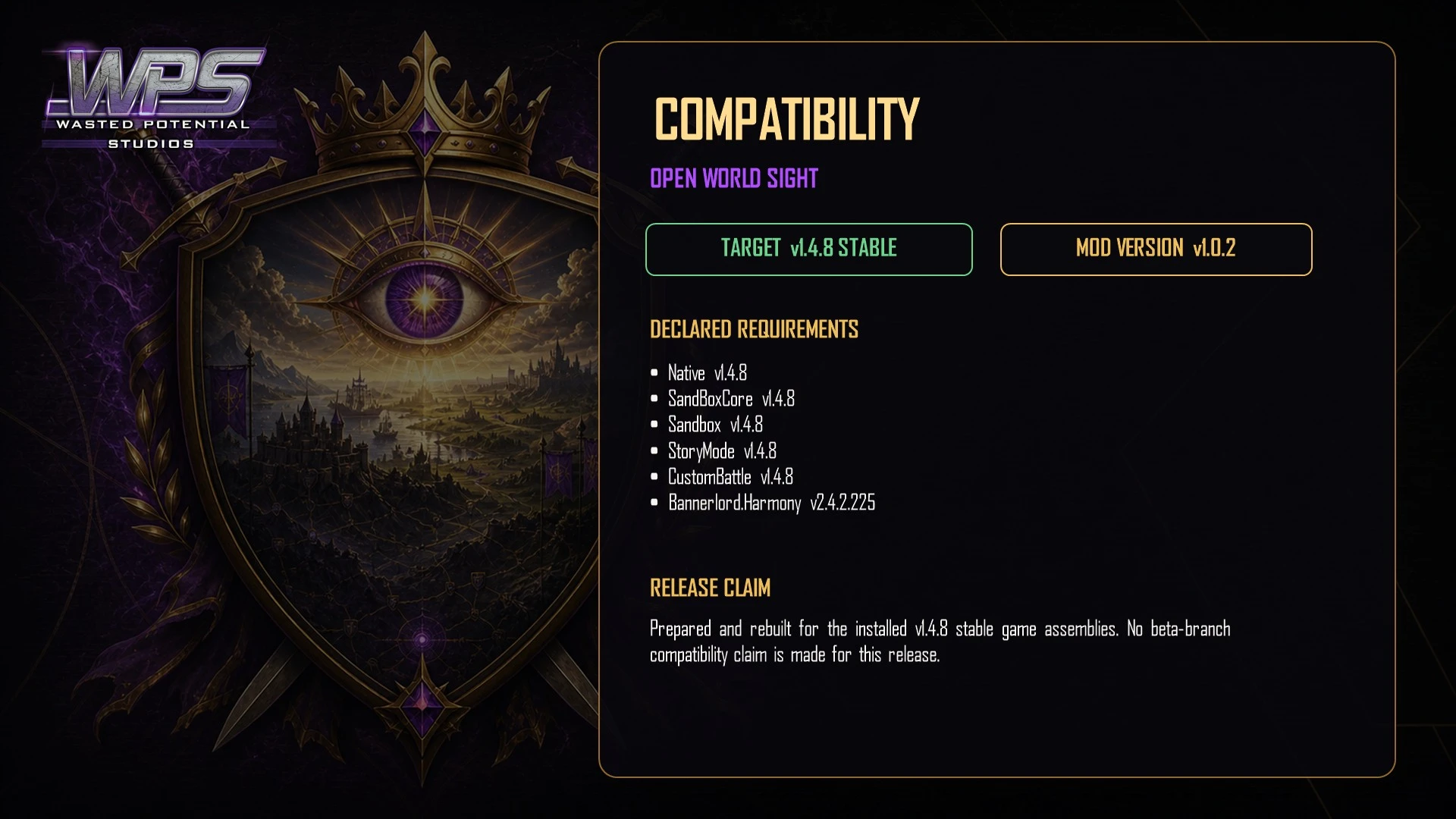
Version 1.0.2 is available on Nexus Mods and Steam Workshop. The Nexus release lists Bannerlord 1.4.8 stable.
Harmony is required. Enable Native, SandBoxCore and Sandbox, with Harmony loading before Open World Sight.
Installation
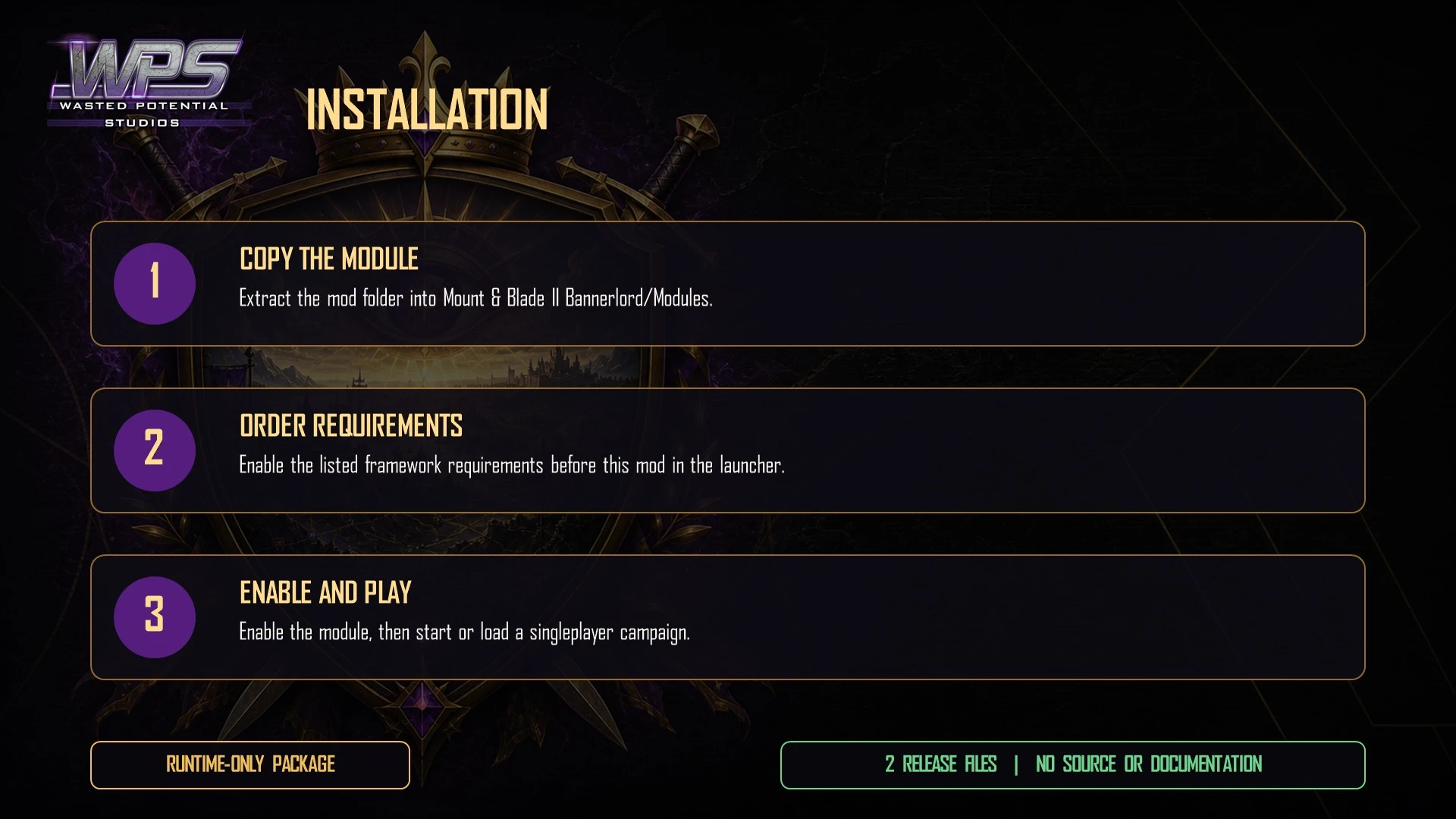
- Install Harmony, then download Open World Sight from Nexus Mods or subscribe on Steam Workshop.
- For a manual installation, extract WPS_OpenWorldSight into Mount & Blade II Bannerlord\Modules\.
- Open Singleplayer → Mods. Enable Harmony and WPS Open World Sight, with Harmony loading first.
- Start or load a campaign and view the campaign map. No settings are required.
Reading the campaign map
Settlement mission markers and town tournament flags can be seen from any distance, making it easier to choose where to travel.
The mod does not reveal hidden parties or hideouts, change scouting experience, or increase your party's sight range.
Compatibility and removal
Other mods that intentionally hide settlement markers or change campaign-map visibility may overlap.
Open World Sight can be added to an existing campaign. It does not store custom campaign data, and removing it restores normal marker visibility.
To remove it, close Bannerlord, disable Open World Sight in the launcher, then remove the manually installed WPS_OpenWorldSight folder or unsubscribe on Steam.
If markers are missing
- Confirm Harmony and Open World Sight are enabled, with Harmony before the mod.
- For a manual installation, check that WPS_OpenWorldSight sits directly inside Modules, then fully restart Bannerlord.
- Check whether another map-visibility mod is active and test without that overlap.
- For support, include your Bannerlord, Harmony and Open World Sight versions, the affected settlement and active mod list.
A closer look
Gallery

The latest, and what came before
Release notes
Version 1.0.2Nexus Mods
- Updates support and listed requirements for Bannerlord 1.4.8.
- Removes outdated launcher warnings.
- Refreshes the player download and WPS artwork.
Version 1.0.2August 25, 2026Steam Workshop
- Updated for Bannerlord 1.4.8 stable and removed incorrect launcher version warnings.
- Refreshed the download and WPS presentation.
UpdateMay 27, 2026Steam Workshop
- Updated the download's game and required-mod information for Bannerlord 1.4.5.
Version 1.0.0May 27, 2026Steam Workshop
- First Steam Workshop release of version 1.0.0.