
Mount & Blade II: Bannerlord
Siege Guide
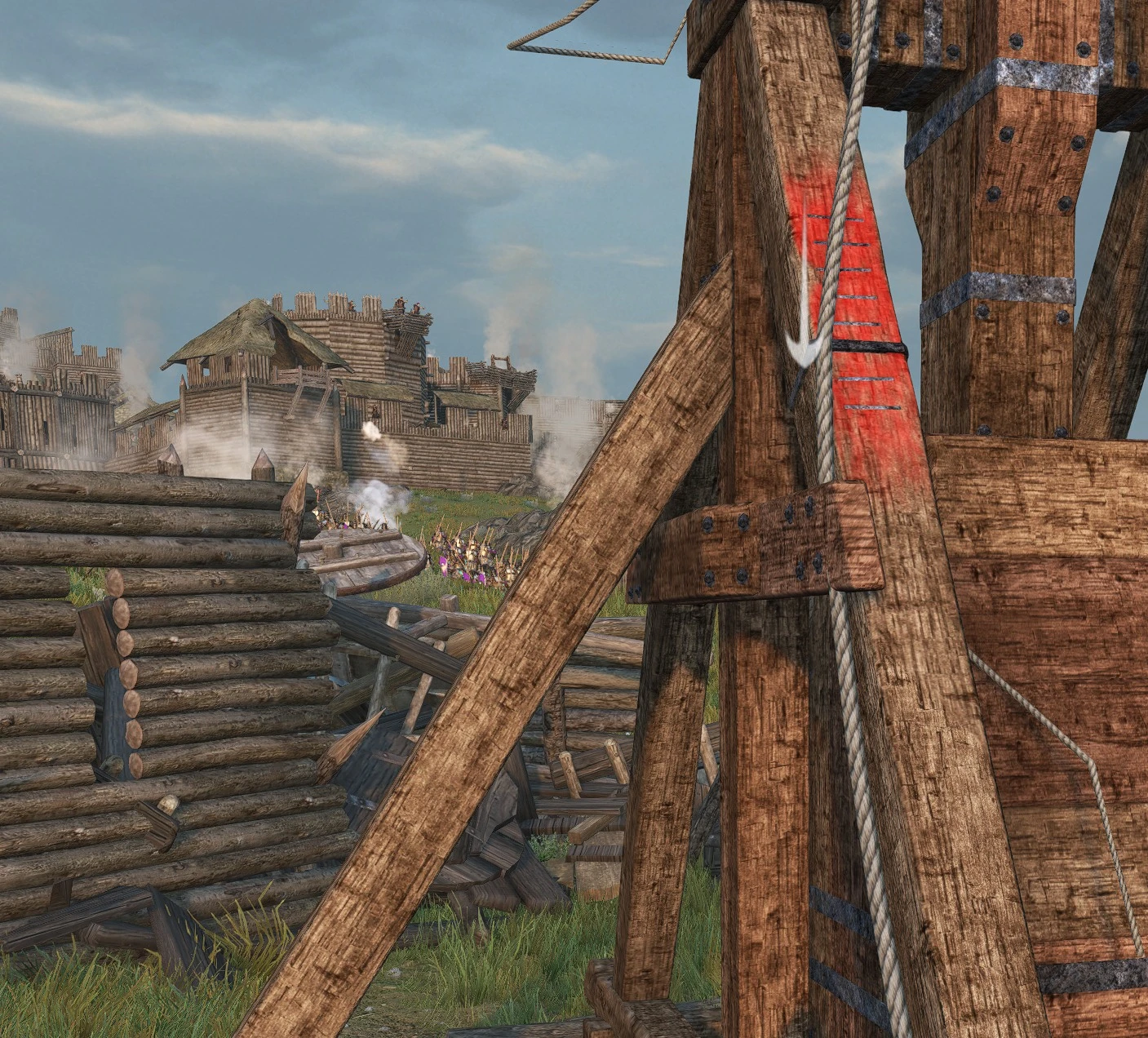
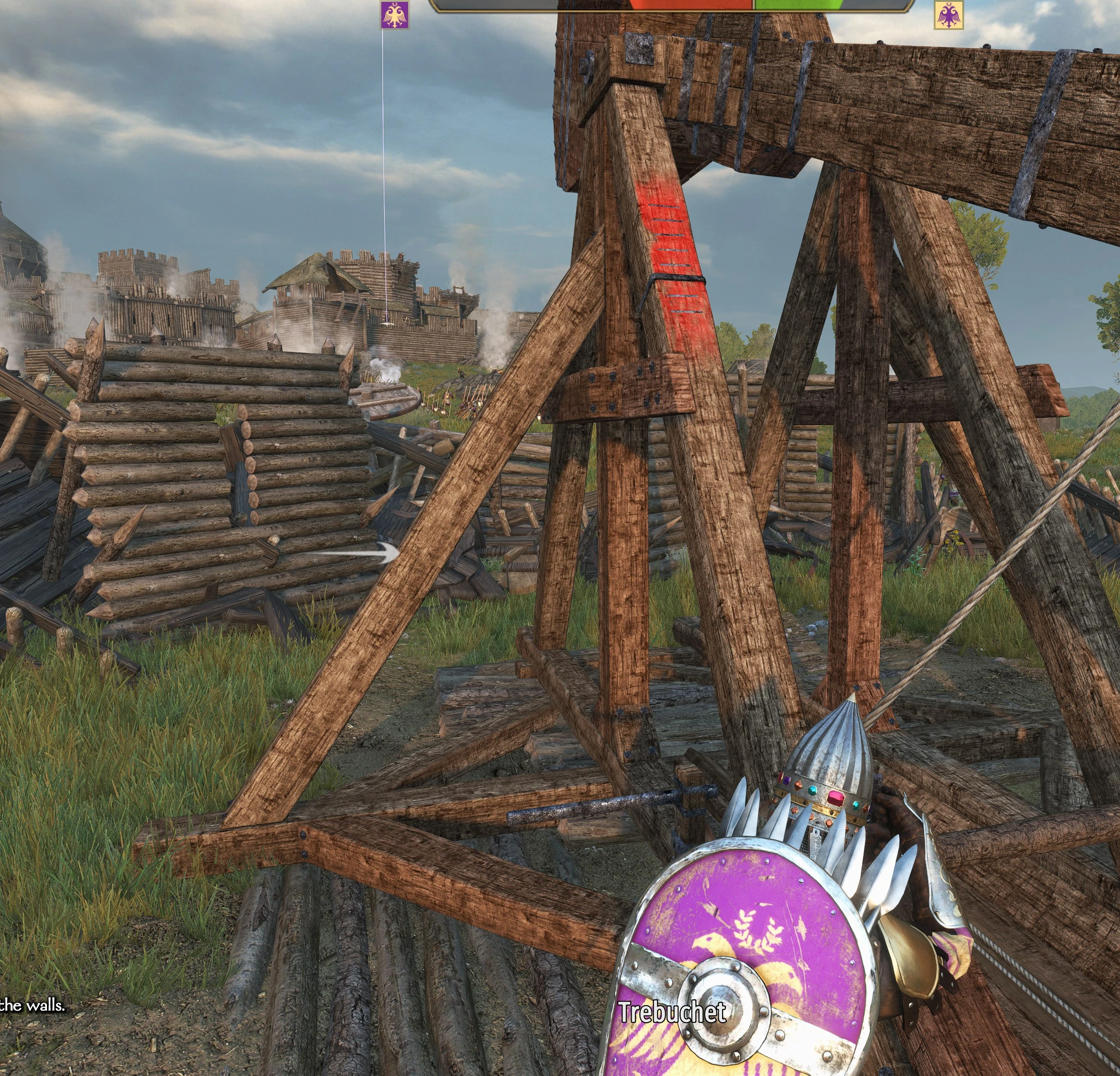
Line up your next siege shot with a visible flight path and estimated impact marker. Customize the guide for catapults and trebuchets, or hide it with a tap of F10.
Player guide View release notes
Make it your own
What it brings to your game
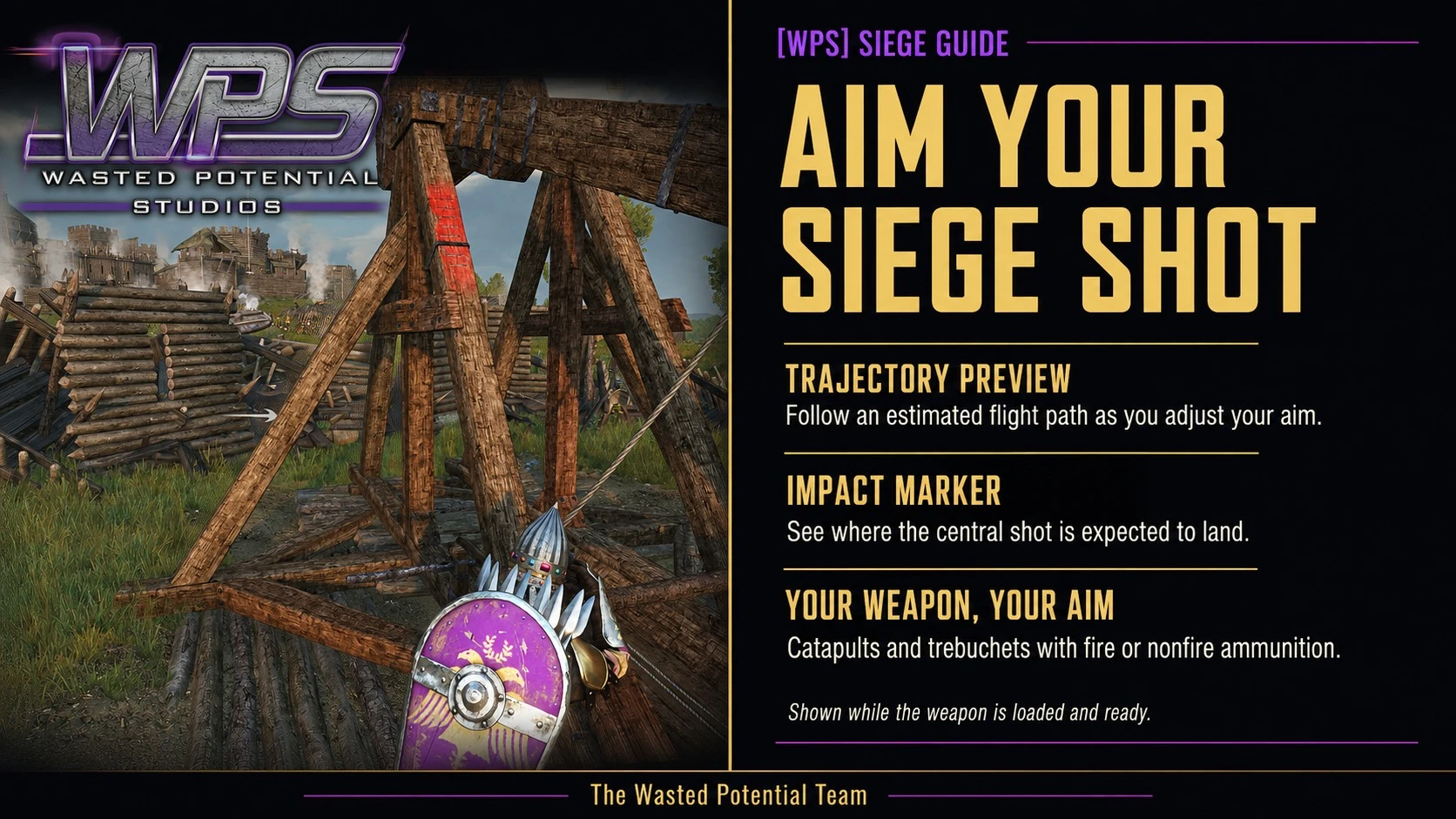
Catapult and trebuchet previews
Fire and standard ammunition
Adjustable guide colors and appearance
Player guide
Make the most of your mod
Requirements
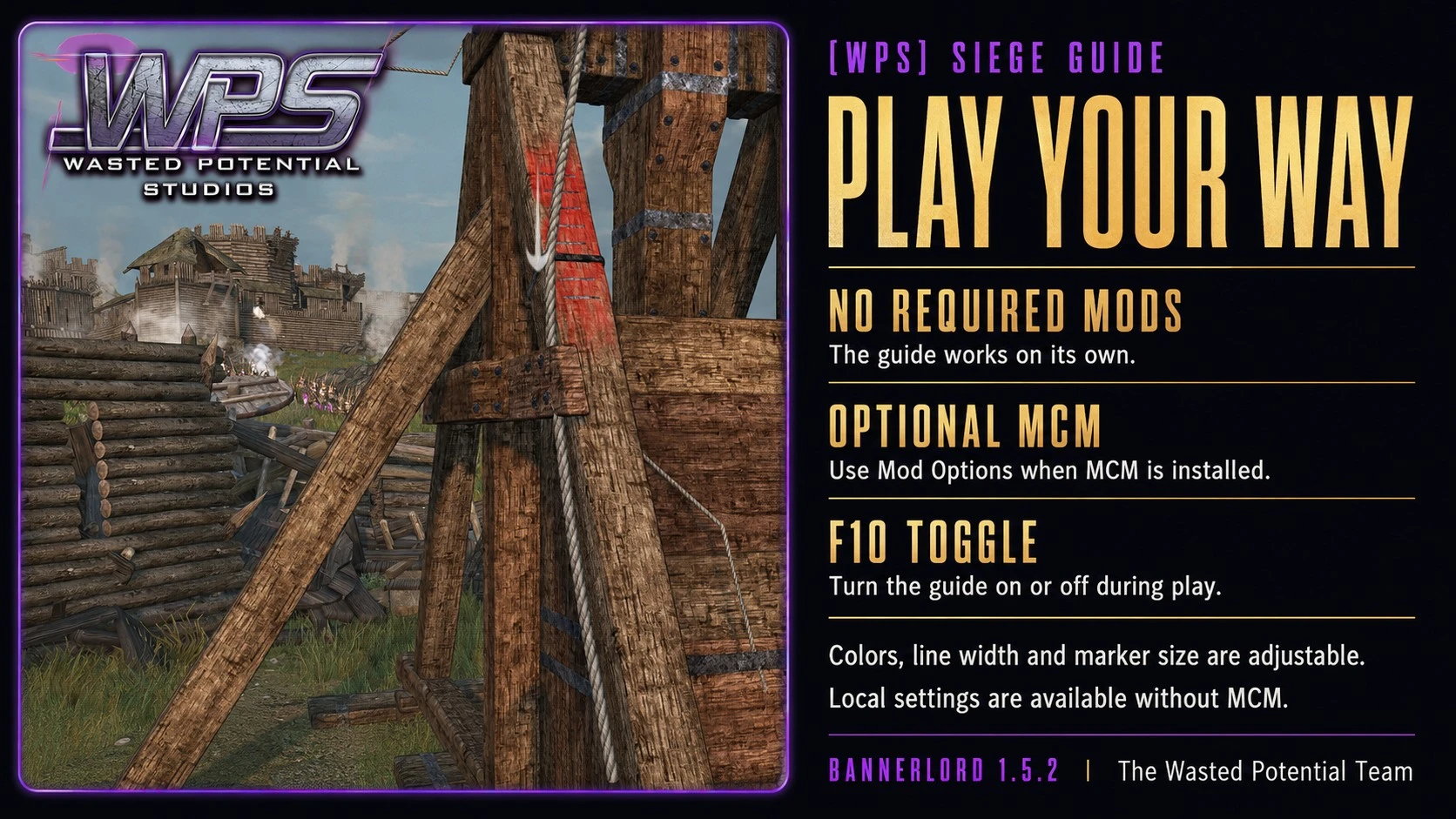
For Bannerlord 1.5.2 single-player campaigns with Native, SandBoxCore, and Sandbox enabled. The aiming guide works without third-party mods.
Mod Configuration Menu is optional and adds in-game settings. If you use it, install its own required mods too. Those optional dependencies may come from Nexus, Steam, or a mixture of both; keep one enabled copy of each.
Installation
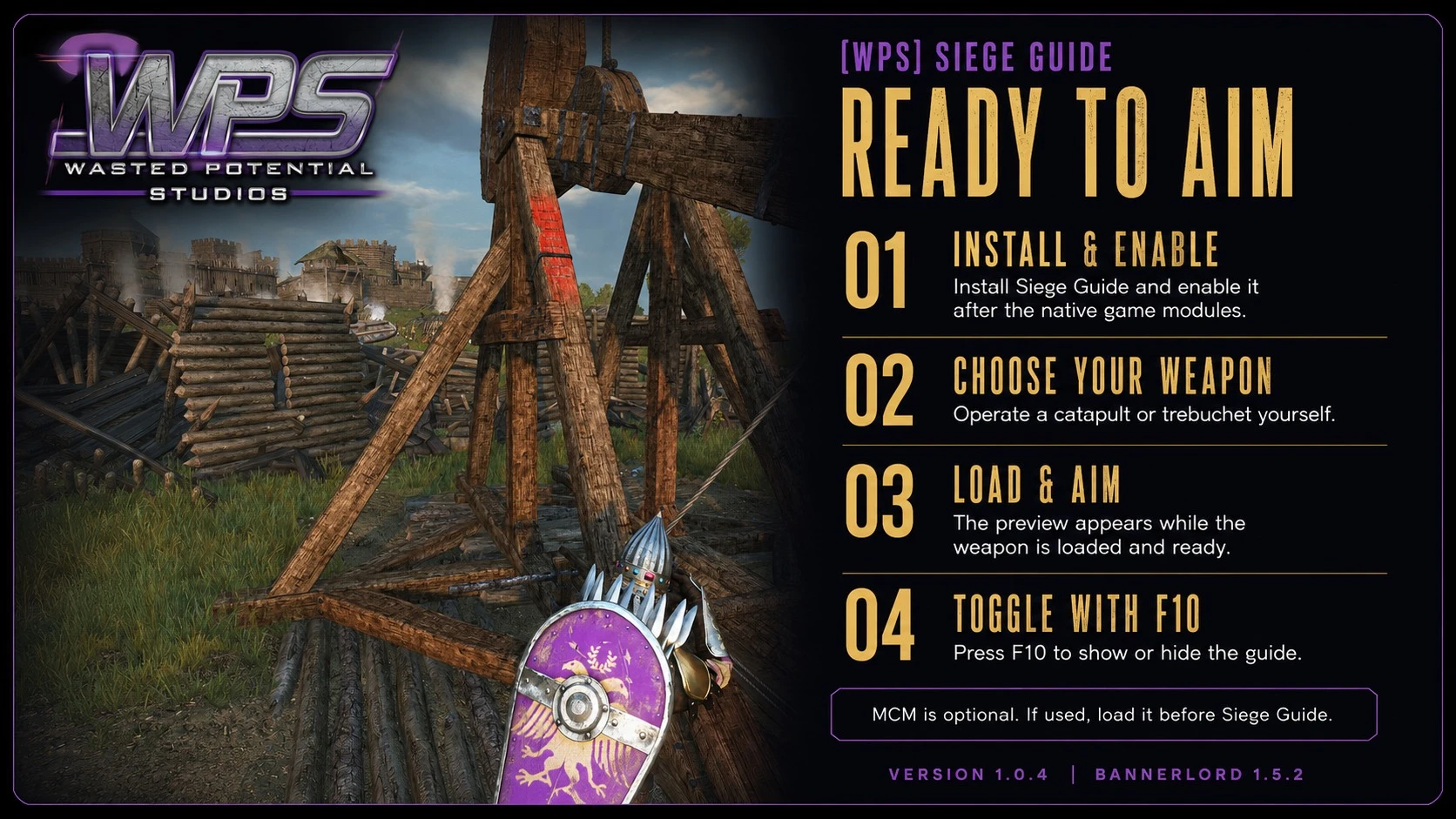
- Close Bannerlord. Subscribe on Steam Workshop, install the Nexus package through your mod manager, or copy the complete WPS_SiegeGuide folder into Bannerlord’s Modules folder.
- Enable [WPS] Siege Guide after the official modules and any optional settings dependencies.
- Start or load a campaign. When switching download platforms, disable or remove the other copy first.
Use the aiming guide
Take control of a loaded catapult, mangonel, or trebuchet. The guide appears when the weapon is ready and hides during firing and reloading. Press F10 to toggle it.
The line estimates the central shot. Scatter, moving objects, and battlefield destruction can change the result. The marker is not a blast-radius indicator or a guarantee of a hit; a very long path can end before the predicted impact.
Make the guide your own
With MCM installed, open the Siege Guide settings in Mod Options. Without MCM, close the game before editing the settings file in Documents\Mount and Blade II Bannerlord\Configs\WPS_SiegeGuide\settings.json.
- Enable catapult and trebuchet guides separately.
- Show the flight path, impact marker, or both.
- Adjust colors, line width, marker size, update frequency, and the toggle key.
If the guide is missing
Wait until the siege engine is fully loaded, press the toggle key, and check that both the weapon type and at least one guide element are enabled. Check for another mod using the same key.
Mods that change siege aiming, cameras, or battlefield collision can affect the preview. The published release targets Bannerlord 1.5.2; other game versions are not listed as supported.
A closer look
Gallery
The latest, and what came before
Release notes
Version 1.0.4Nexus Mods
- Adds flight-path previews and estimated impact markers for catapults and trebuchets.
- Supports fire and standard ammunition.
- Includes appearance controls, separate weapon toggles, and an F10 show/hide key.
- Offers an optional in-game settings menu, with settings still available without it.
Version 1.0.4September 6, 2026Steam Workshop
- Added flight-path and impact previews for player-operated catapults and trebuchets, with both fire and ordinary ammunition.
- Choose which weapons use the guide, adjust its appearance, and press F10 to show or hide it.
- No other mod is required; Mod Configuration Menu is optional.