
Mount & Blade II: Bannerlord
Value Peace
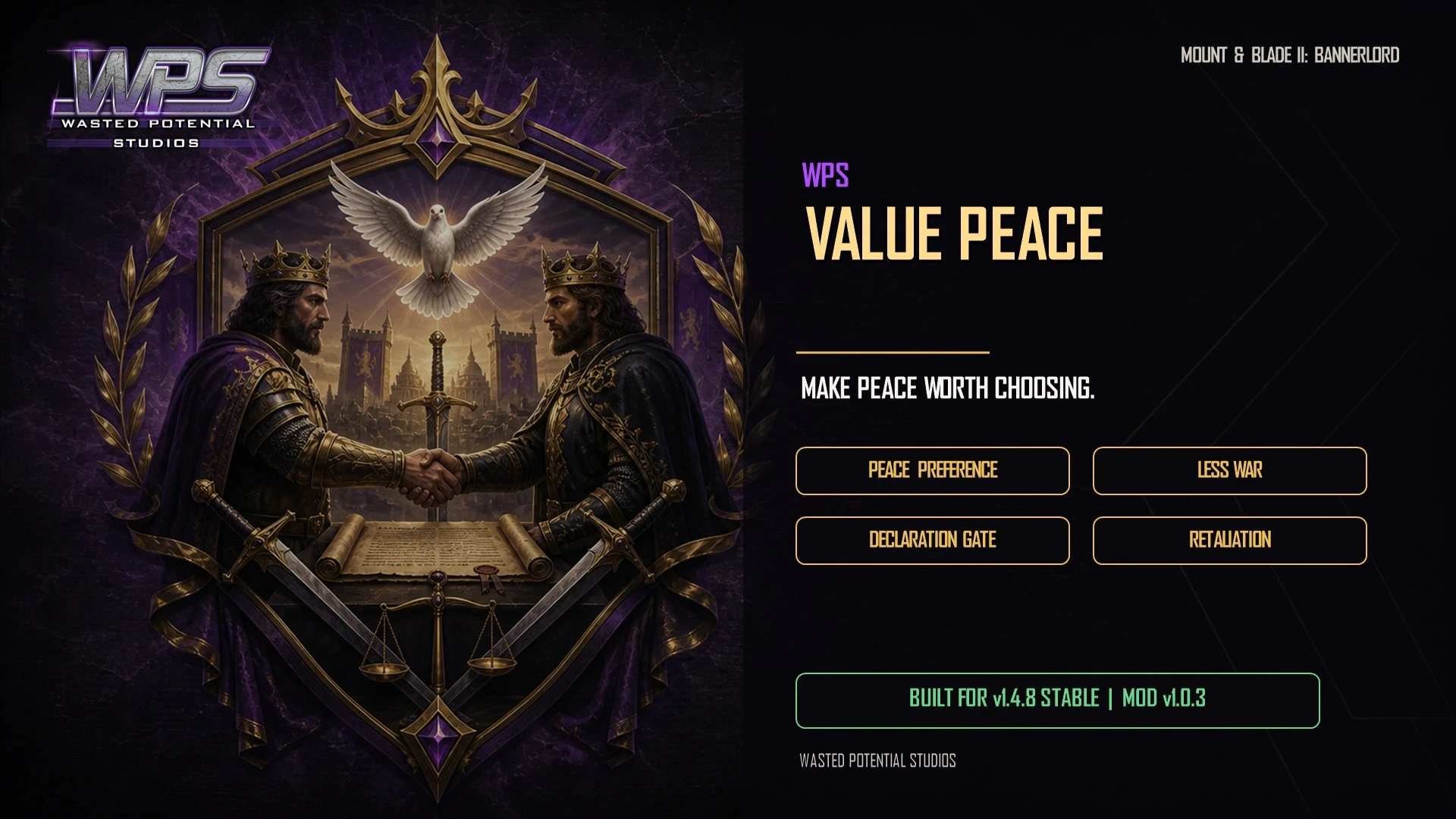
Give kingdoms a stronger reason to choose peace before starting another war. Tune their preference for stability while allowing defensive retaliation.
Player guide View release notes
Make it your own
What it brings to your game
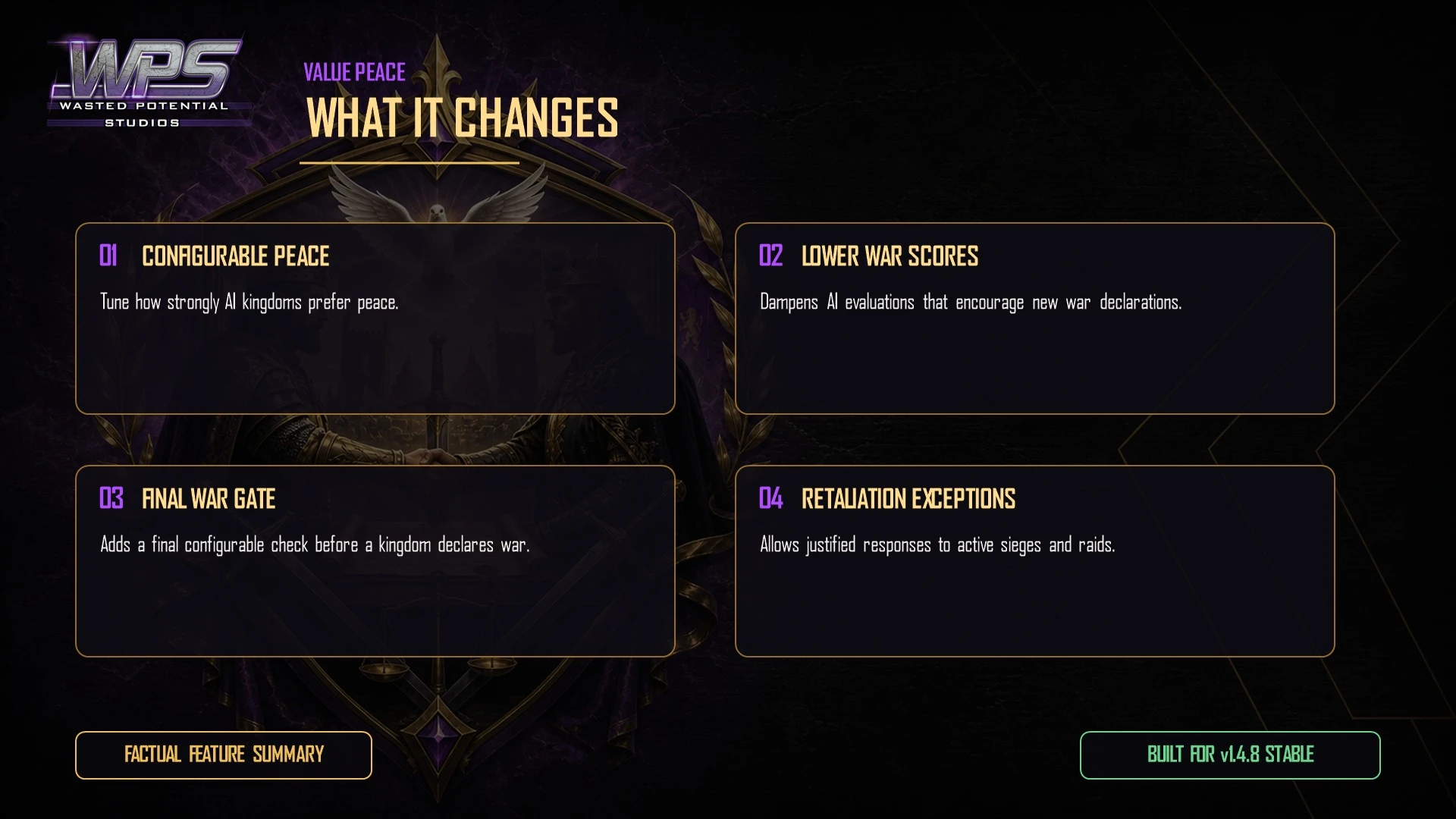
Adjustable peace preference
Fewer impulsive war declarations
Defensive retaliation remains possible
Player guide
Make the most of your mod
Before you install
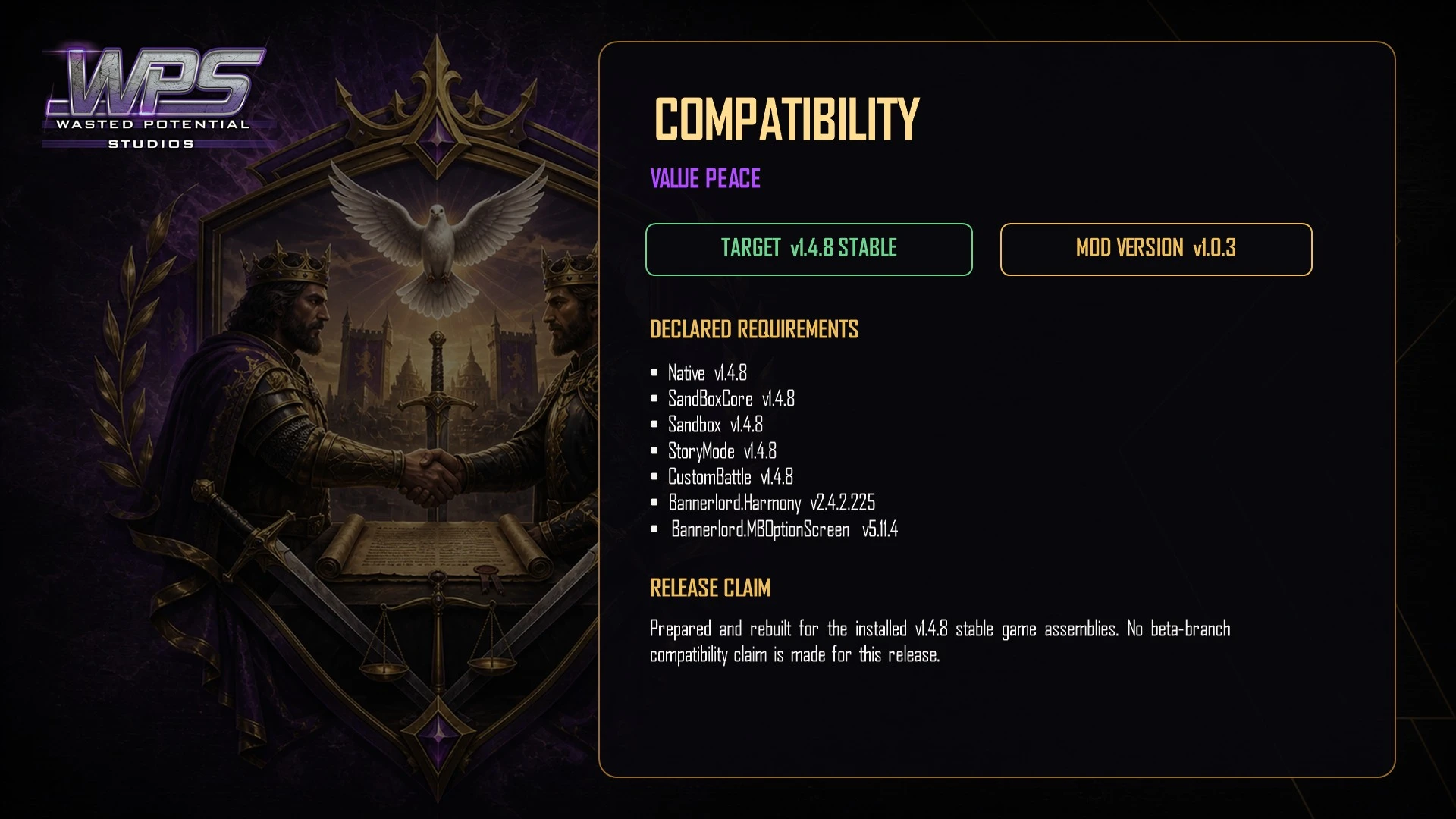
Version 1.0.3 is available on Nexus Mods and Steam Workshop. The Nexus release lists Bannerlord 1.4.8 stable and requires Harmony.
For the Nexus package, MCM is optional: without it, the mod uses its default settings. The Steam Workshop page lists MCM as a requirement, so install and enable it for the Workshop release.
Installation
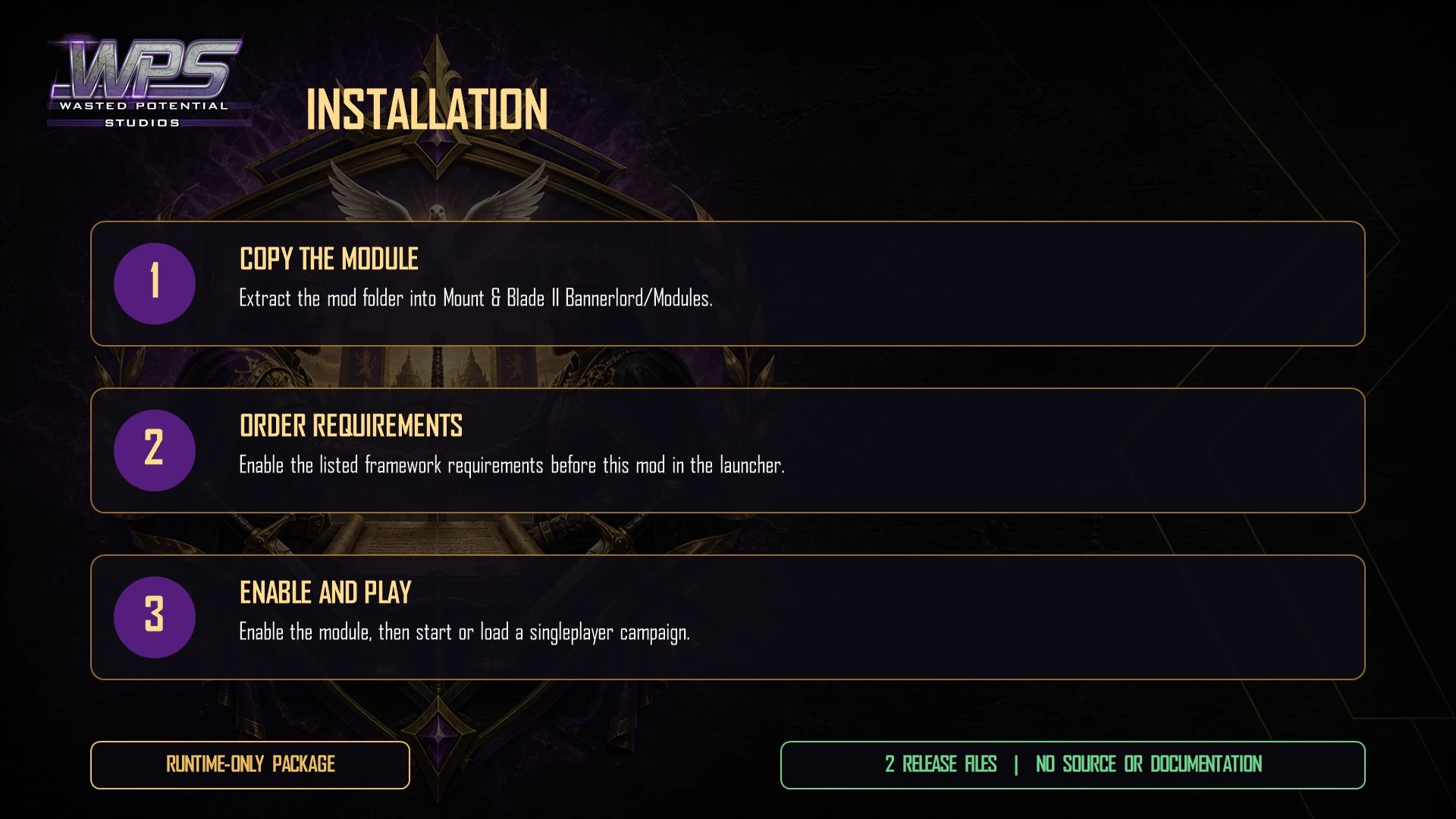
- Install Harmony. Install MCM and its dependencies for the Workshop release or to change the Nexus release's settings in game.
- Download Value Peace from Nexus Mods or subscribe on Steam Workshop. For a manual installation, copy WPS_ValuePeace into Mount & Blade II Bannerlord\Modules\.
- Enable [WPS] Value Peace in Singleplayer → Mods after Harmony and MCM when installed.
- Start or load a campaign. Open MCM → [WPS] Value Peace to tune the settings.
Setting the pace of war
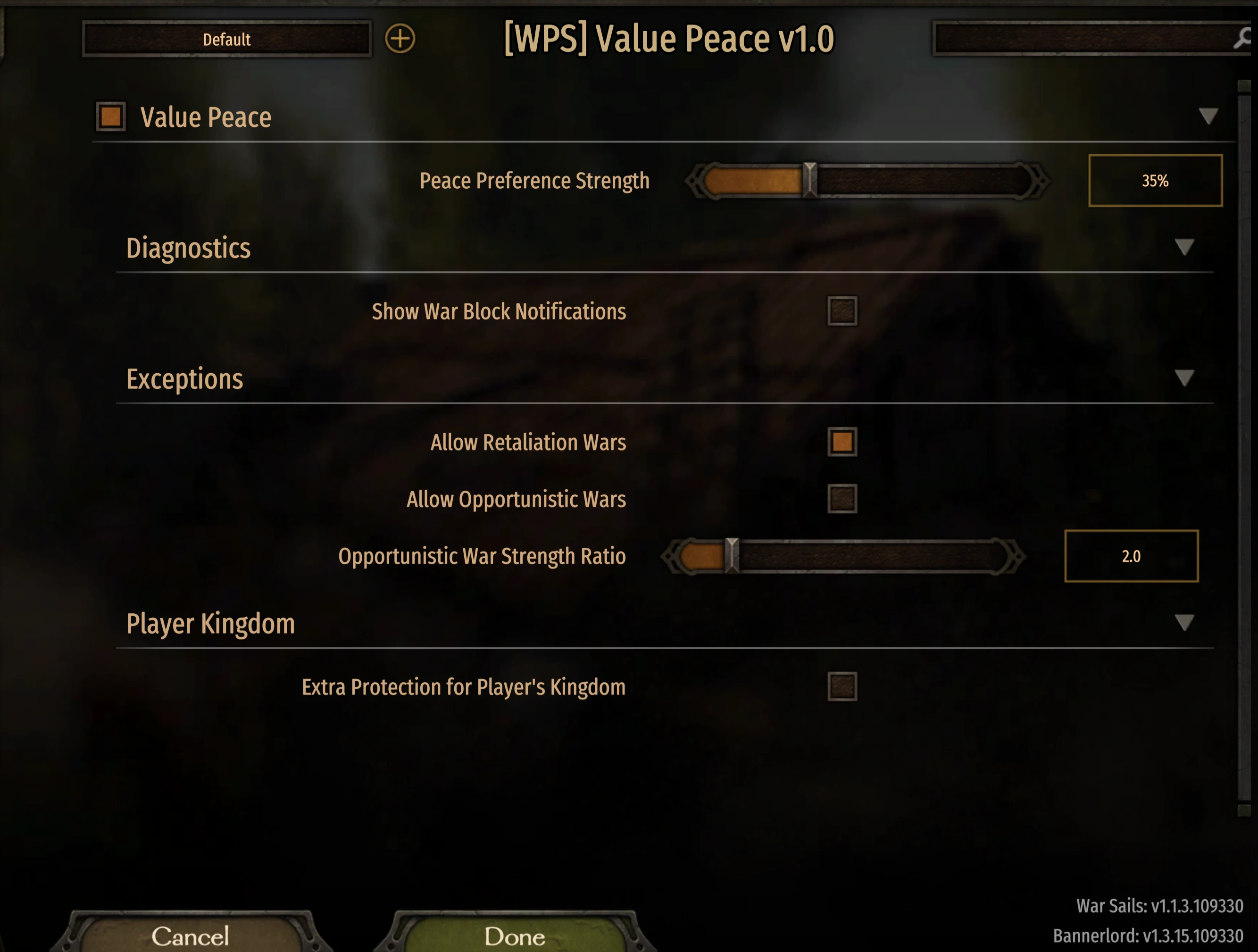
Peace Preference Strength controls how strongly kingdoms favor peace. The range is 5% to 100%, with a default of 35%. Near 5% is close to normal war frequency; 100% prevents voluntary wars except where your enabled exceptions allow them.
Changes take effect without restarting. Player-initiated wars remain available.
- Enable Value Peace: the main on/off switch; on by default.
- Allow Retaliation Wars: on by default, allowing kingdoms under siege or raid to respond.
- Allow Opportunistic Wars: off by default. When enabled, a much stronger kingdom can still attack a weaker one.
- Opportunistic War Strength Ratio: defaults to 2.0; used only when opportunistic wars are enabled.
- Extra Protection for Player's Kingdom: off by default; increases the preference for peace in wars involving your faction.
- Show War Block Notifications: off by default; shows a message when the mod prevents a war.
Compatibility and removal
The release supports existing campaigns and can be removed during a campaign. Close the game, disable the mod, then remove the manual folder or unsubscribe on Steam. Kingdoms return to normal war-declaration behavior.
Diplomacy overhauls that replace how kingdoms choose or declare wars may change the result. Check the other mod's guidance before combining them.
Tuning and help
If the world is too peaceful, try lowering Peace Preference Strength to 15–20% for a milder effect. If you want to see when the mod is working, temporarily enable War Block Notifications.
If settings are missing, check that MCM and its dependencies are installed and enabled.
For support, include the Bannerlord and mod versions, your active diplomacy mods, the relevant settings, and the war declaration you expected or observed.
A closer look
Gallery

The latest, and what came before
Release notes
Version 1.0.3Nexus Mods
- Updates support and listed requirements for Bannerlord 1.4.8.
- Removes outdated launcher warnings.
- Refreshes the player download and WPS artwork.
Version 1.0.2Nexus Mods
- Updates war-declaration handling for the June 2 Bannerlord build.
Version 1.0.3August 25, 2026Steam Workshop
- Updated for Bannerlord 1.4.8 stable and removed incorrect launcher version warnings.
- Refreshed the download and WPS presentation.
UpdateJune 2, 2026Steam Workshop
- Updated peace preferences and war declarations for Bannerlord's June 2 build.
UpdateMay 27, 2026Steam Workshop
- Updated the download's game and required-mod information for Bannerlord 1.4.5.
UpdateMay 27, 2026Steam Workshop
- Updated the download's game and required-mod information for Bannerlord 1.4.5.
Version 1.0.0May 27, 2026Steam Workshop
- First Steam Workshop release of version 1.0.0.