
Mount & Blade II: Bannerlord
Wanderer Control
Shape the pool of wanderers available across Calradia. Choose their numbers, locations, cultures, ages, and specialist roles to build the campaign you want.
Player guide View release notes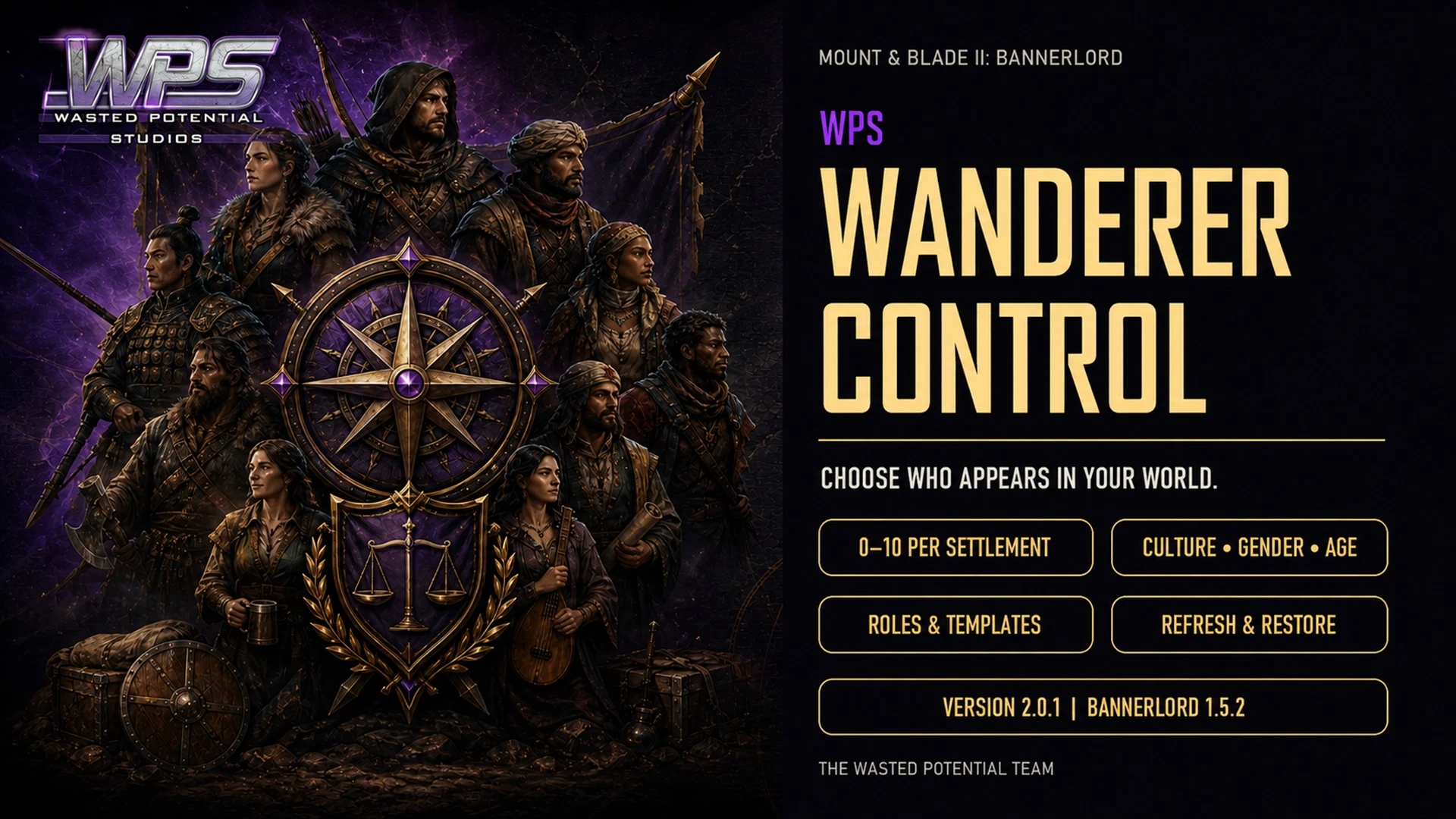
Make it your own
What it brings to your game
Settlement population controls
Culture, age, and role filters
Individual wanderer choices
Player guide
Make the most of your mod
Requirements
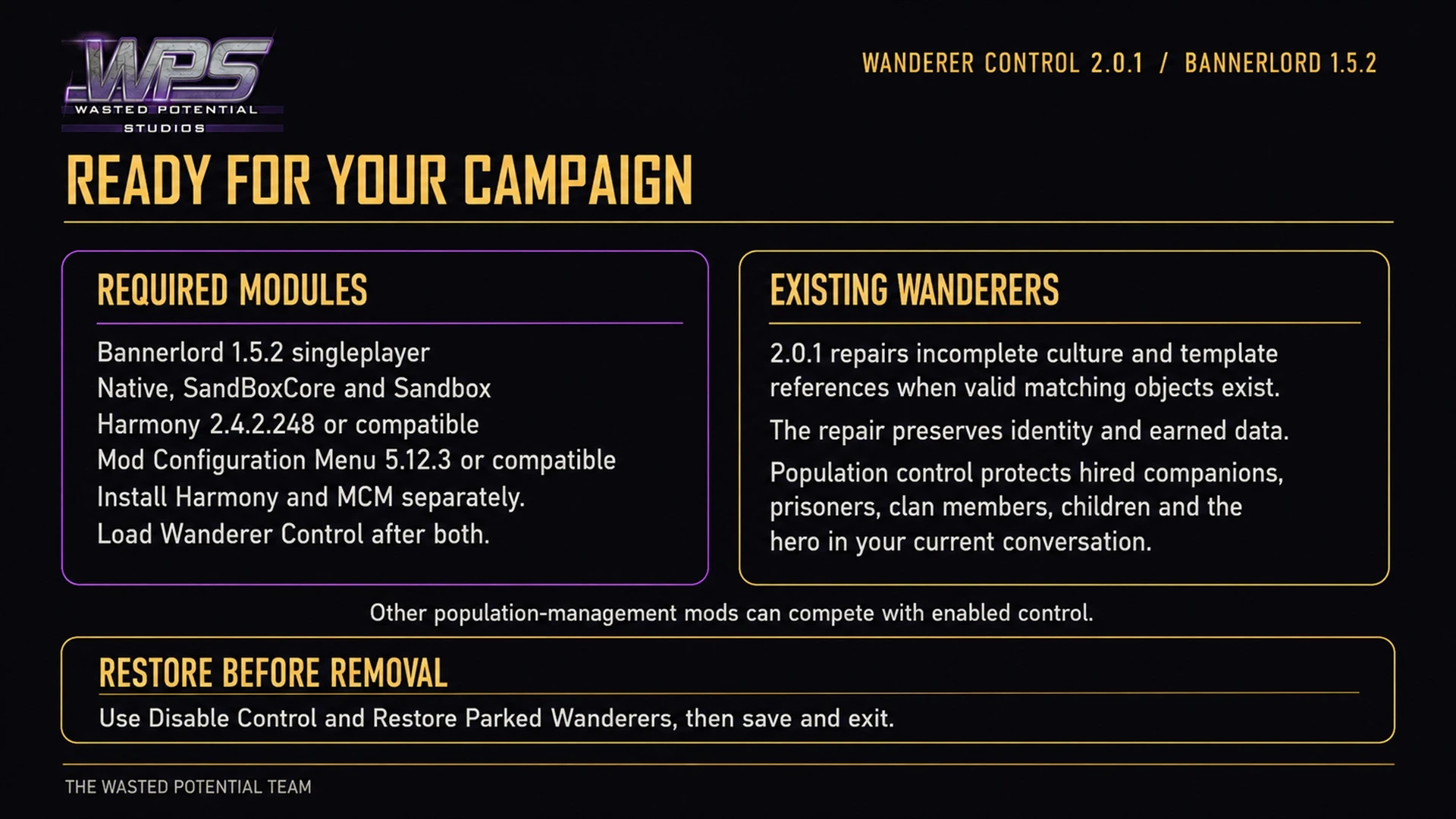
For Bannerlord 1.5.2 single-player with Native, SandBoxCore, and Sandbox. Requires Harmony 2.4.2.248 and MCM 5.12.3 with its own required mods.
Installation and first setup
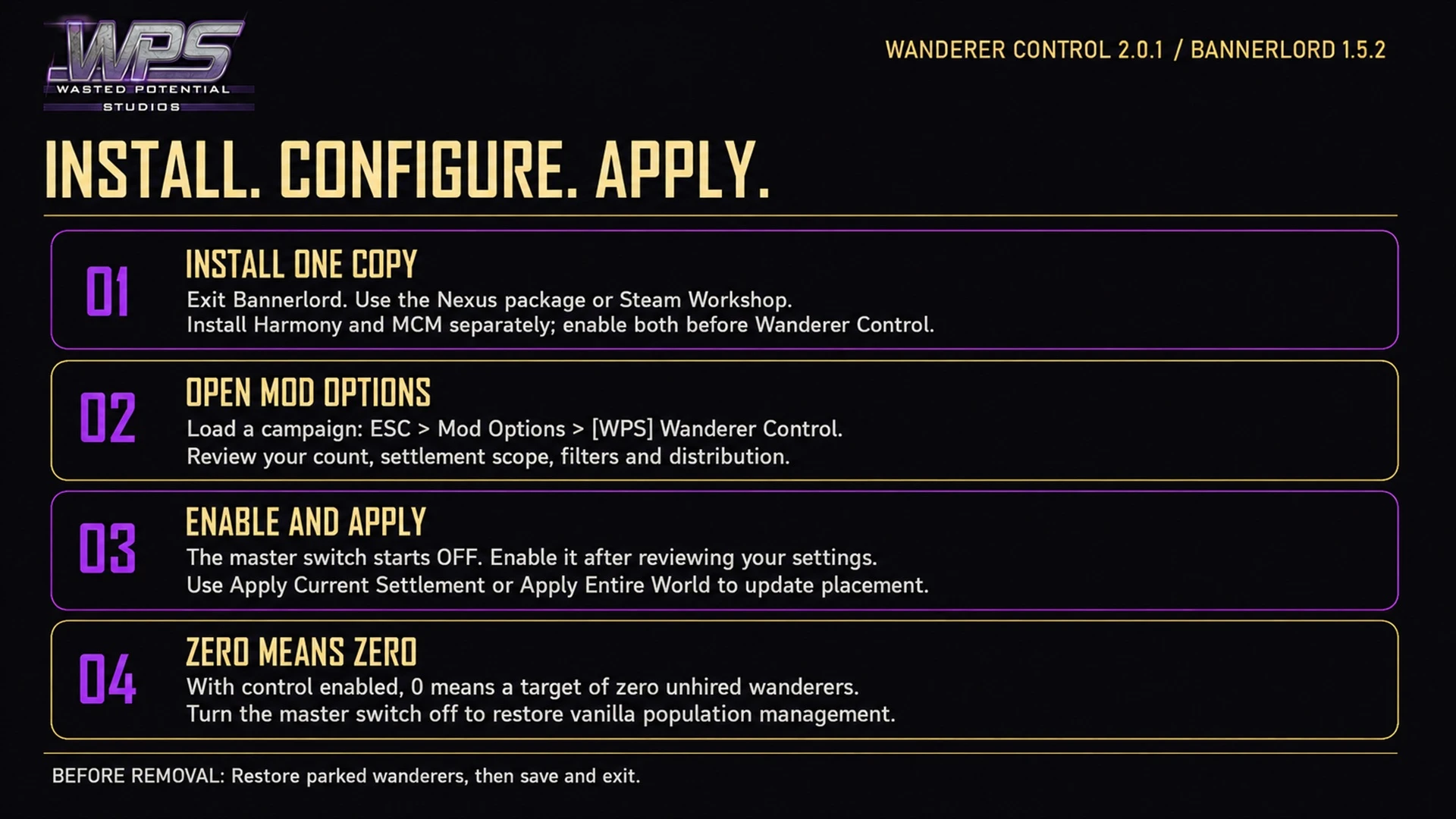
- Close Bannerlord and make a backup save.
- Install the required mods. Subscribe to Wanderer Control on Steam or place the Nexus package’s complete WPS_WandererControl folder inside Modules.
- Enable Wanderer Control after Harmony and MCM, keeping one active copy.
- Load your campaign, then open Esc → Mod Options → [WPS] Wanderer Control.
- Review the settlement count, scope, and filters before turning on the main control switch. It starts off.
- Use Apply Current Settlement or the confirmed Apply Entire World action for an immediate refresh.
Build the wanderer pool you want
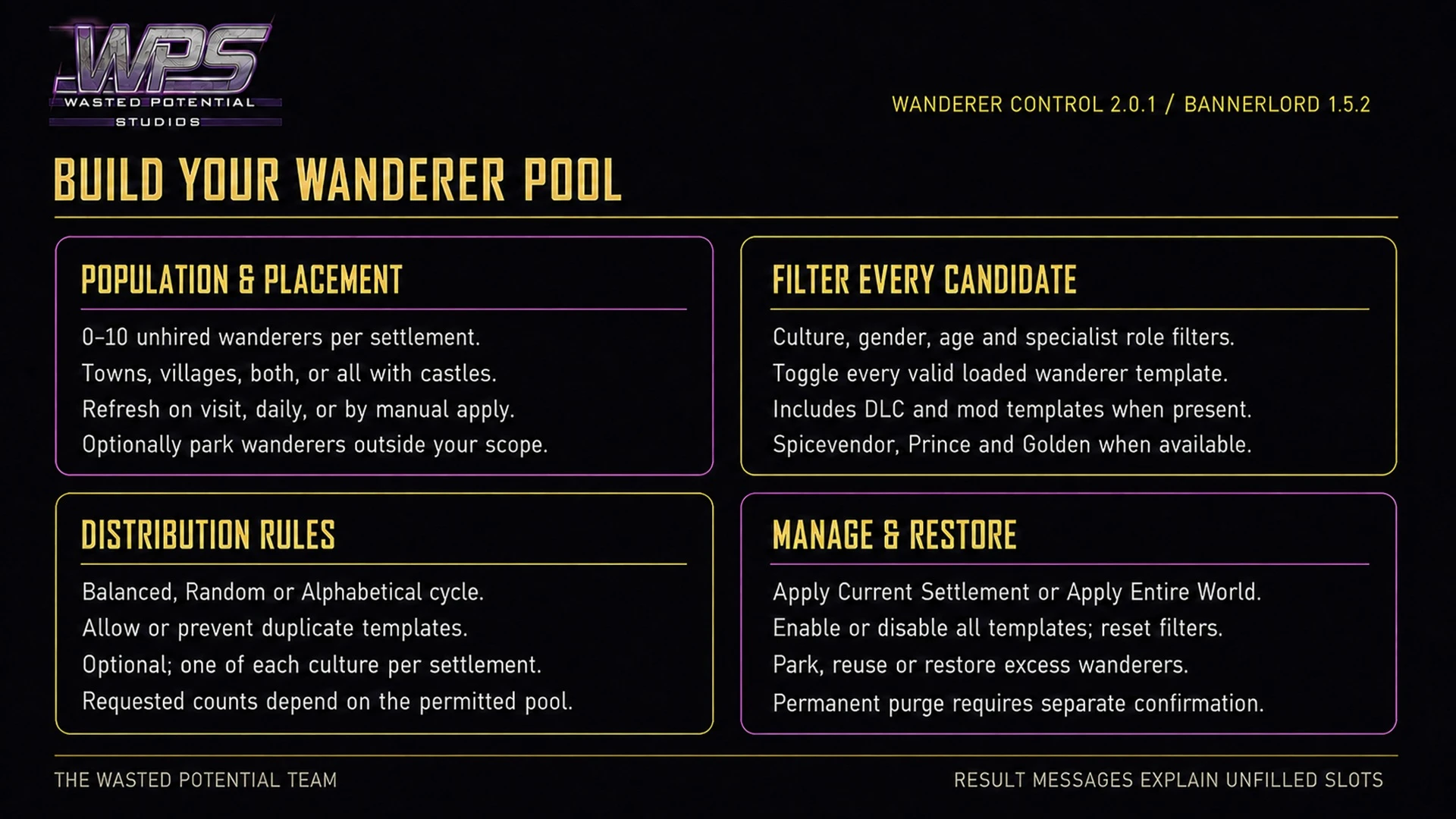
- Set 0–10 unhired wanderers per settlement. A target of 0 means none while control is enabled.
- Choose towns, villages, both, or towns with villages and castles. You can also remove eligible wanderers from settlements outside your chosen scope.
- Choose Balanced to favor the least represented templates, Random, or an alphabetical cycle. Allow repeats or prevent duplicates; optionally limit each settlement to one wanderer per culture.
- Filter the loaded cultures, genders, ages, roles, and individual wanderer templates. The age range is 18–80 and respects a higher adulthood age set by the campaign.
- Roles include combat, scouting, medicine, trade, stewardship, engineering, smithing, roguery, leadership, tactics, and sailing. Templates from installed content appear by culture after the campaign loads.
- Refresh on settlement entry, daily, or with the immediate actions. Restrictive filters and diversity rules can leave fewer eligible wanderers than your target.
Which heroes are affected
Only eligible unhired wanderers are managed. Hired companions, prisoners, clan members, children, and the hero in your current conversation are protected.
Excess or filtered wanderers go into a reversible reserve. They can return when your settings allow them or when you use the restore action. Story characters that are not wanderer templates are not added to the pool.
Purge Every Unhired Wanderer is a separate, permanent action with confirmation. It is not needed to stop using or remove the mod.
Stop control or remove the mod
Turning off the main switch resumes normal management, but use the restore action before removal if you want the reserved wanderers returned.
- Choose Disable Control And Restore Parked Wanderers to return the reserved wanderers.
- Save your campaign and exit Bannerlord.
- Disable or remove Wanderer Control if you no longer want it.
If the pool does not match your settings
Check the settlement scope, filters, duplicate rules, and culture limit, then apply a refresh or wait for your chosen refresh event. Another mod that manages unhired wanderers may compete with these settings.
The encyclopedia repair remains available while the main control switch is off. It needs the matching character content to remain installed and cannot recreate content you have removed.
A closer look
Gallery

The latest, and what came before
Release notes
Version 2.0.1Nexus Mods
- Fixes an encyclopedia crash caused by incomplete wanderer culture information when the matching content is still installed.
- Preserves existing hero identities, skills, equipment, ages, clans, and relationships during the repair.
- Refreshes individual wanderer choices when switching campaigns while retaining saved settings.
- Uses the active campaign's available wanderer choices when creating new heroes.
- Retains population, settlement, culture, gender, age, role, individual-template, distribution, parking, restoration, and confirmed-removal controls.
Version 1.3.2Nexus Mods
- Updates support and listed requirements for Bannerlord 1.4.8.
- Removes outdated launcher warnings.
- Refreshes the player download and WPS artwork.
Version 1.3.0Nexus Mods
- Adds translations for in-game messages, setting names, and help text.
- Includes Brazilian Portuguese, Simplified Chinese, Traditional Chinese, German, French, Italian, Japanese, Korean, Polish, Russian, Latin American Spanish, and Turkish.
- Uses the selected game language automatically, with English fallback where a translation is unavailable.
- Supports updating during an existing campaign.
Version 1.2.0Nexus Mods
- 1.2.0: Adds automatic cleanup of mod-created wanderers when the target is set to zero, without removing hired companions.
- Retains the cleanup list across saves and removes dead wanderers from it.
- Adds safeguards for cleanup, older saves, and campaign transitions.
- Supports mid-campaign updates; generated wanderers remain world characters if the mod is removed without cleanup.
- 1.1.0: Adds the option to place wanderers in towns matching their culture.
- Moves displaced wanderers to a matching town when possible, with another town as fallback.
- Uses the settlement culture for new wanderers when the option is enabled and recognizes related culture variants.
- Keeps the culture-placement option off by default and supports existing saves.
Version 1.0.0.0Nexus Mods
- Initial release.
Version 2.0.1September 5, 2026Steam Workshop
- Fixed an encyclopedia crash caused by incomplete wanderer information when the matching game content is still available.
- Preserved existing heroes' identities, skills, equipment, ages, clans and relationships.
- Refreshed wanderer-template choices when switching campaigns.
- Kept the full set of population, settlement, culture, gender, age, role and individual-template controls, including removal and restoration choices.
- Updated the download; Harmony and Mod Configuration Menu remain separate requirements.
Version 1.3.2August 25, 2026Steam Workshop
- Updated for Bannerlord 1.4.8 stable and removed incorrect launcher version warnings.
- Refreshed the download and WPS presentation.
UpdateMay 27, 2026Steam Workshop
- Updated the download's game and required-mod information for Bannerlord 1.4.5.
Version 1.3.0May 27, 2026Steam Workshop
- First Steam Workshop release of version 1.3.0.