
Mount & Blade II: Bannerlord
Royal Privilege
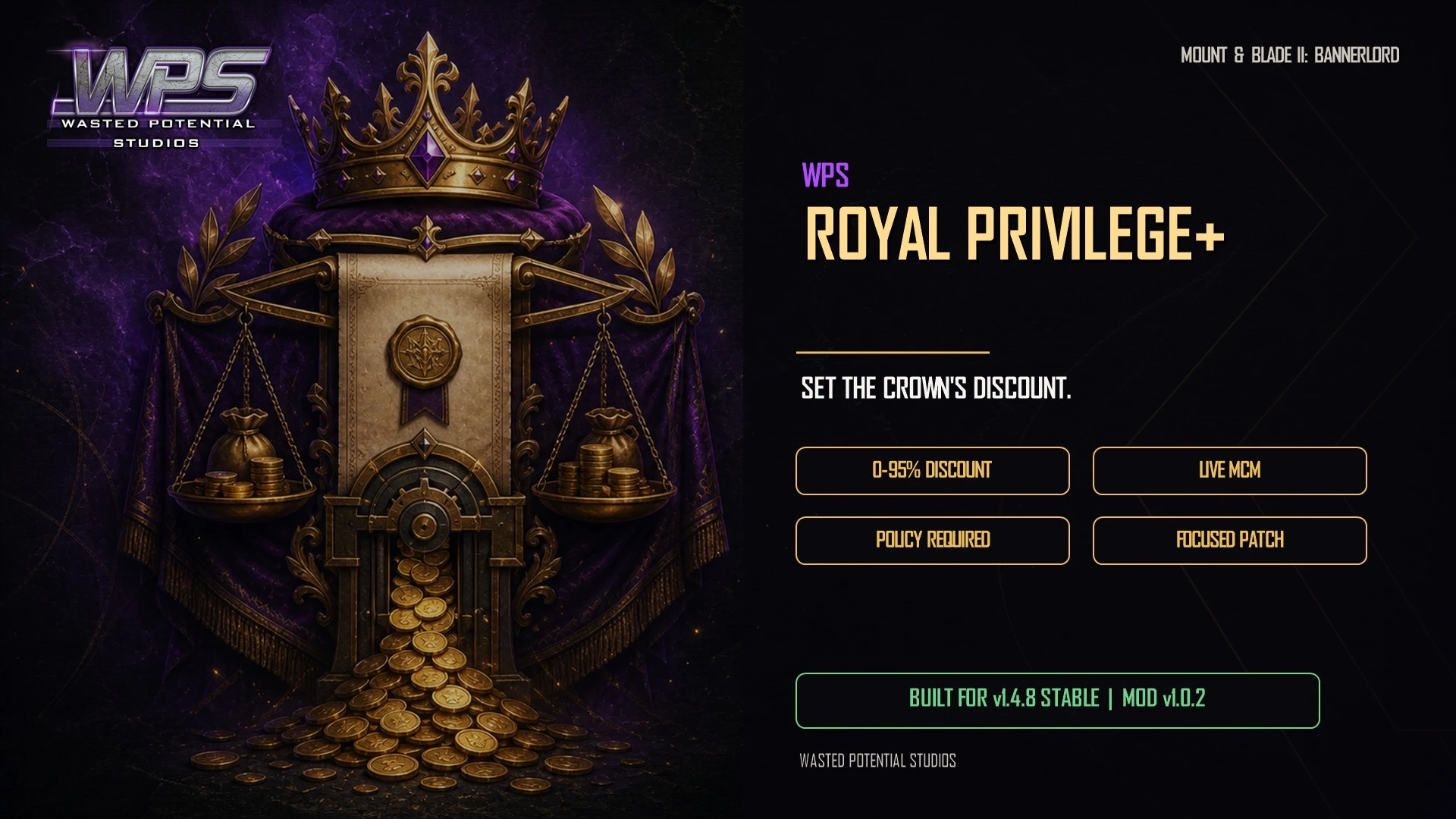
Set the influence discount you receive when using the Royal Privilege policy. Adjust the cost of overruling kingdom decisions to match the authority you want your ruler to have.
Player guide View release notes
Make it your own
What it brings to your game
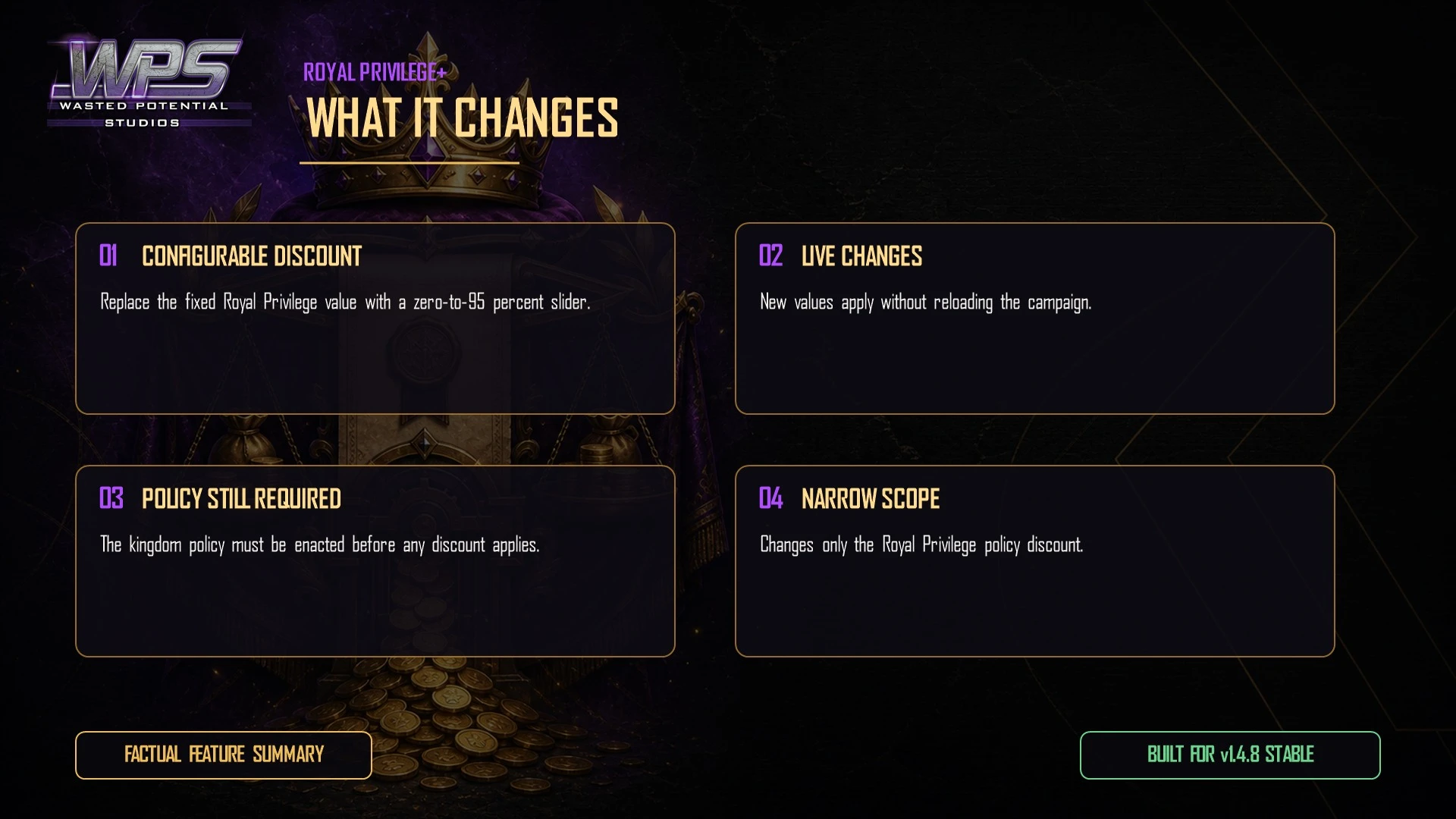
Configurable influence discount
Works with the enacted policy
Changes apply during play
Player guide
Make the most of your mod
Before you install
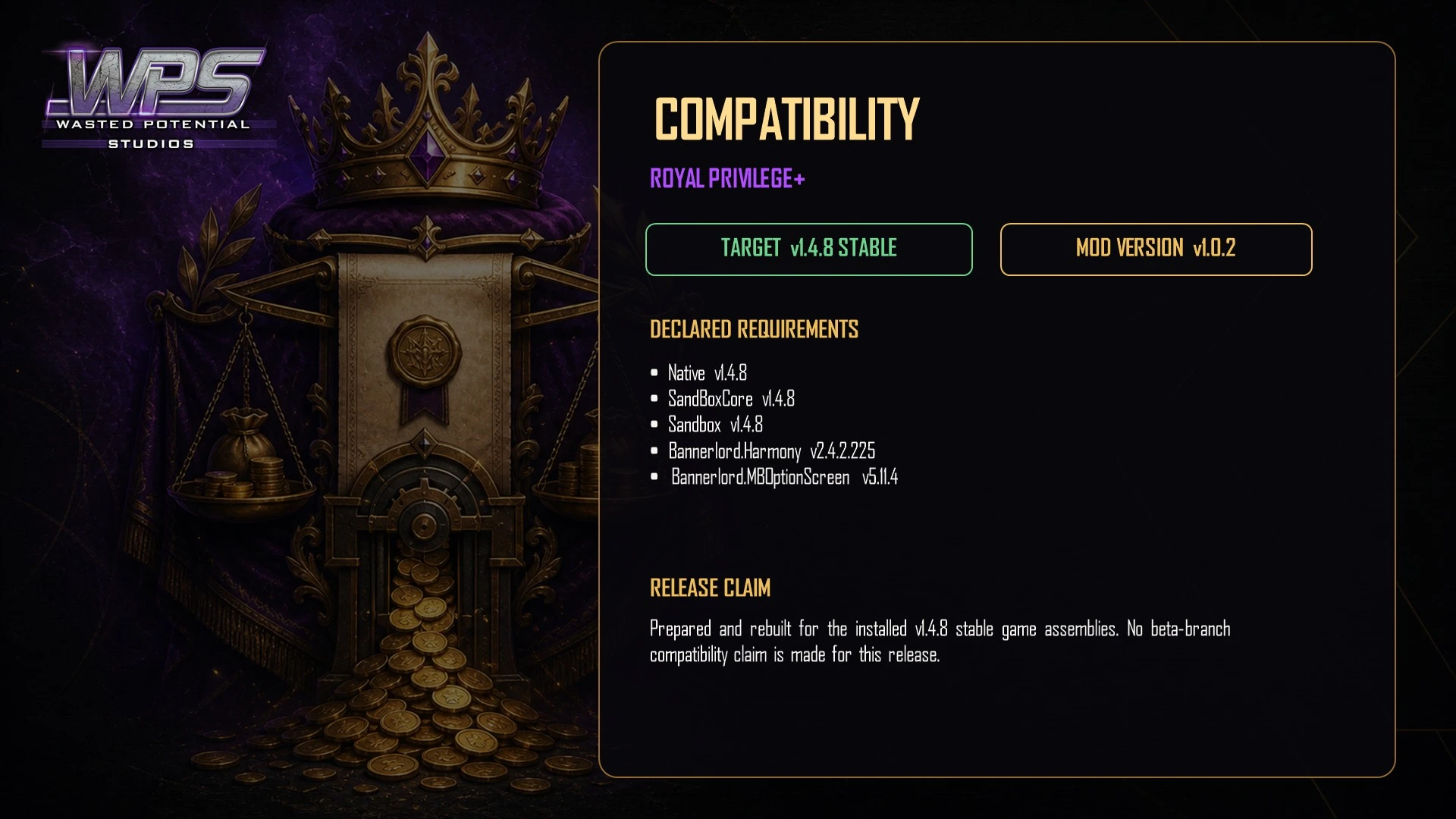
Version 1.0.2 is available on Nexus Mods and Steam Workshop. The Nexus release lists Bannerlord 1.4.8 stable, Harmony 2.3.0 or newer, and Mod Configuration Menu 5.11.4 or newer.
Your kingdom must enact the Royal Privilege policy before the configured influence discount can apply. The mod does not enact the policy for you.
Installation
- Install Harmony and MCM, including MCM's required dependencies.
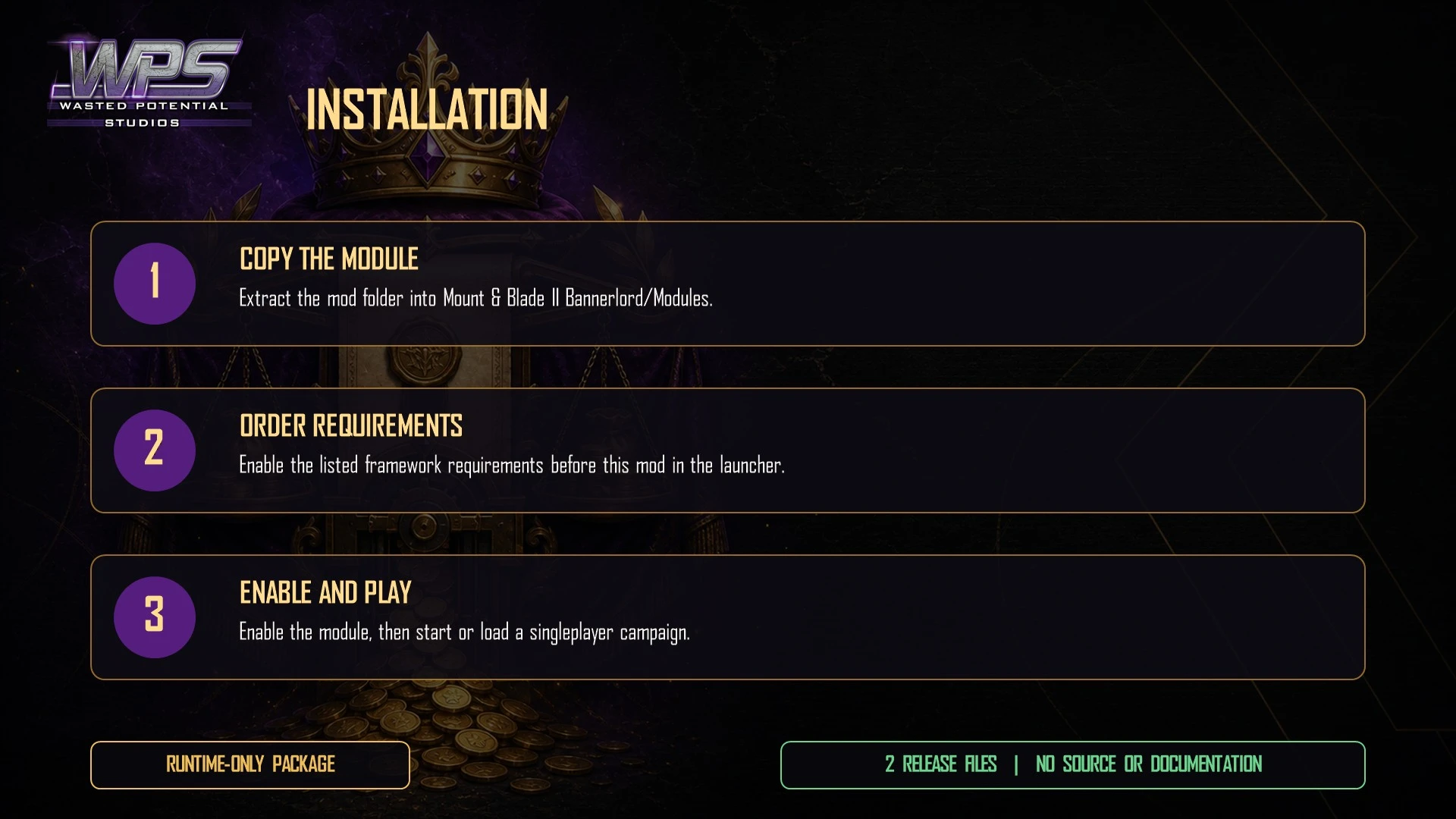
- Download Royal Privilege from Nexus Mods or subscribe on Steam Workshop. With Vortex, install, enable and deploy the download. For a manual installation, place WPS_RoyalPrivilege in Mount & Blade II Bannerlord\Modules\.
- Enable WPS Royal Privilege in Singleplayer → Mods after Harmony and MCM.
- Start or load a campaign and enact Royal Privilege through the kingdom's policy vote screen.
Choosing the influence discount
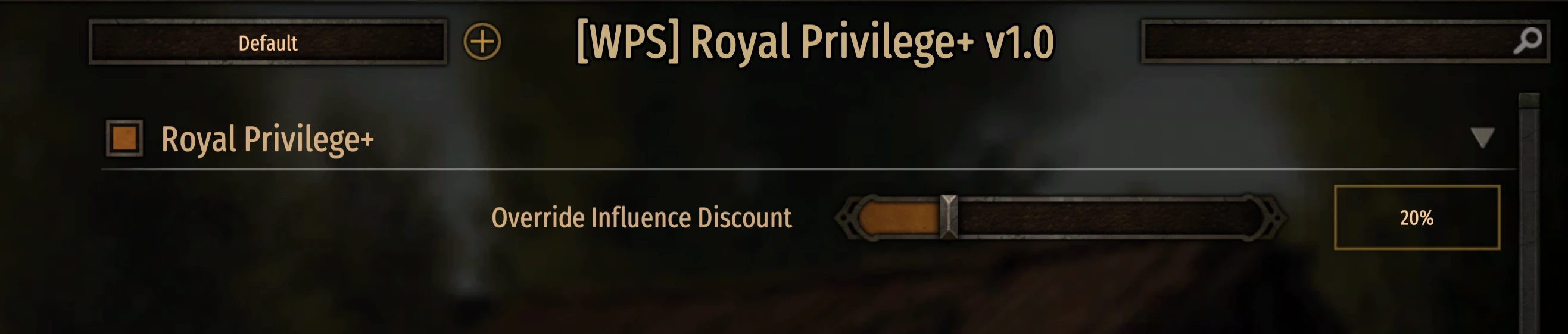
- Open Options → Mod Options → [WPS] Royal Privilege+ v1.0. This is the settings name used by the current release.
- Enable the mod's main toggle and adjust Override Influence Discount from 0% to 95%.
- Check the influence cost shown before confirming an override. Changes apply without saving, reloading or restarting.
- 20%, the default, leaves you paying 80% of the base cost.
- 60% leaves you paying 40% of the base cost.
- 95% leaves you paying 5% of the base cost.
- Turn off the main toggle to return to normal policy behavior without uninstalling.
Compatibility and removal
The release supports adding or removing the mod during an existing campaign. To remove it, close the game, disable the mod and remove the manual module folder or unsubscribe on Steam.
Another mod that changes kingdom-decision override costs may change the final discount. Compare the cost shown in game before committing influence.
If the discount is missing
- Confirm Royal Privilege is enacted in the kingdom where you are making the decision.
- Check that Harmony, MCM and Royal Privilege are enabled, and that the main mod toggle is on.
- Compare the displayed cost at the default 20% discount, then try your preferred value. If another mod changes override costs, test without that overlap.
- For support, include the game, mod, Harmony and MCM versions, the discount setting, the displayed cost and your active mod list.
A closer look
Gallery

The latest, and what came before
Release notes
Version 1.0.2Nexus Mods
- Updates support and listed requirements for Bannerlord 1.4.8.
- Removes outdated launcher warnings.
- Refreshes the player download and WPS artwork.
Version 1.0.1Nexus Mods
- Fixes the discount not applying to the player's actual influence cost when overruling a decision.
- Restricts the player's discount setting to the player-ruled kingdom so other rulers are unaffected.
- Simplifies the handling of kingdom decisions.
Version 1.0.0Nexus Mods
- Initial release with a 0%–95% influence-discount slider, defaulting to 20%.
- Adds a master toggle to restore normal behavior without uninstalling.
- Applies changes immediately and handles the policy being unavailable gracefully.
- Leaves campaign save data unchanged.
Version 1.0.2August 25, 2026Steam Workshop
- Updated for Bannerlord 1.4.8 stable and removed incorrect launcher version warnings.
- Refreshed the download and WPS presentation.
UpdateMay 27, 2026Steam Workshop
- Updated the download's game and required-mod information for Bannerlord 1.4.5.
Version 1.0.0May 27, 2026Steam Workshop
- First Steam Workshop release of version 1.0.0.