Game Studio / Mod Guides / Utilities

WPS Skip Intro

Skips the TaleWorlds and partners intro video and proceeds directly to Bannerlord's main menu.

GameMount & Blade II: Bannerlord
CategoryUtilities
First published
Last Nexus update01 March 2026, 10:40 AM

Player guide

Install, configure, and troubleshoot WPS Skip Intro.

Use the sections below for setup, requirements, settings, compatibility, removal, and troubleshooting.

Overview

WPS Skip Intro skips the TaleWorlds and partners startup logo video so Bannerlord can proceed to the main menu after normal loading.

Description

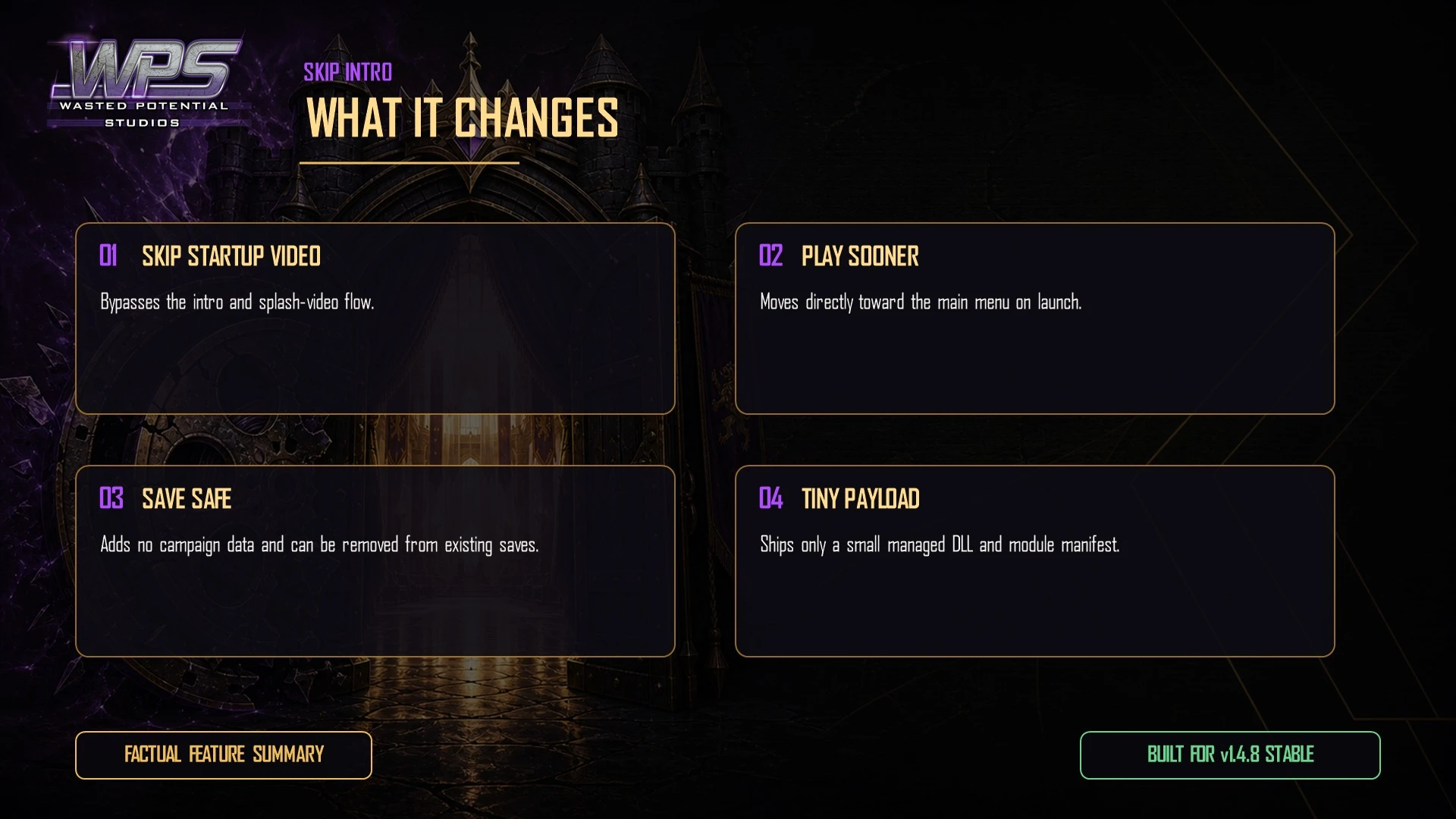
Bannerlord normally plays a TaleWorlds and partners logo video before the main menu. While WPS Skip Intro is active and its startup patch applies, that blocking video is omitted; module loading and the remaining startup flow still run.

Features

  • Attempts to skip the TaleWorlds and partners intro video each time the module is active at launch.
  • No configuration menu or per-save settings.
  • Uses one Harmony prefix during startup and adds no ongoing campaign processing.
  • Does not modify campaign progression or write custom save data.
  • Designed to be enabled or disabled independently of existing saves; back up important saves before changing any load order.

Requirements

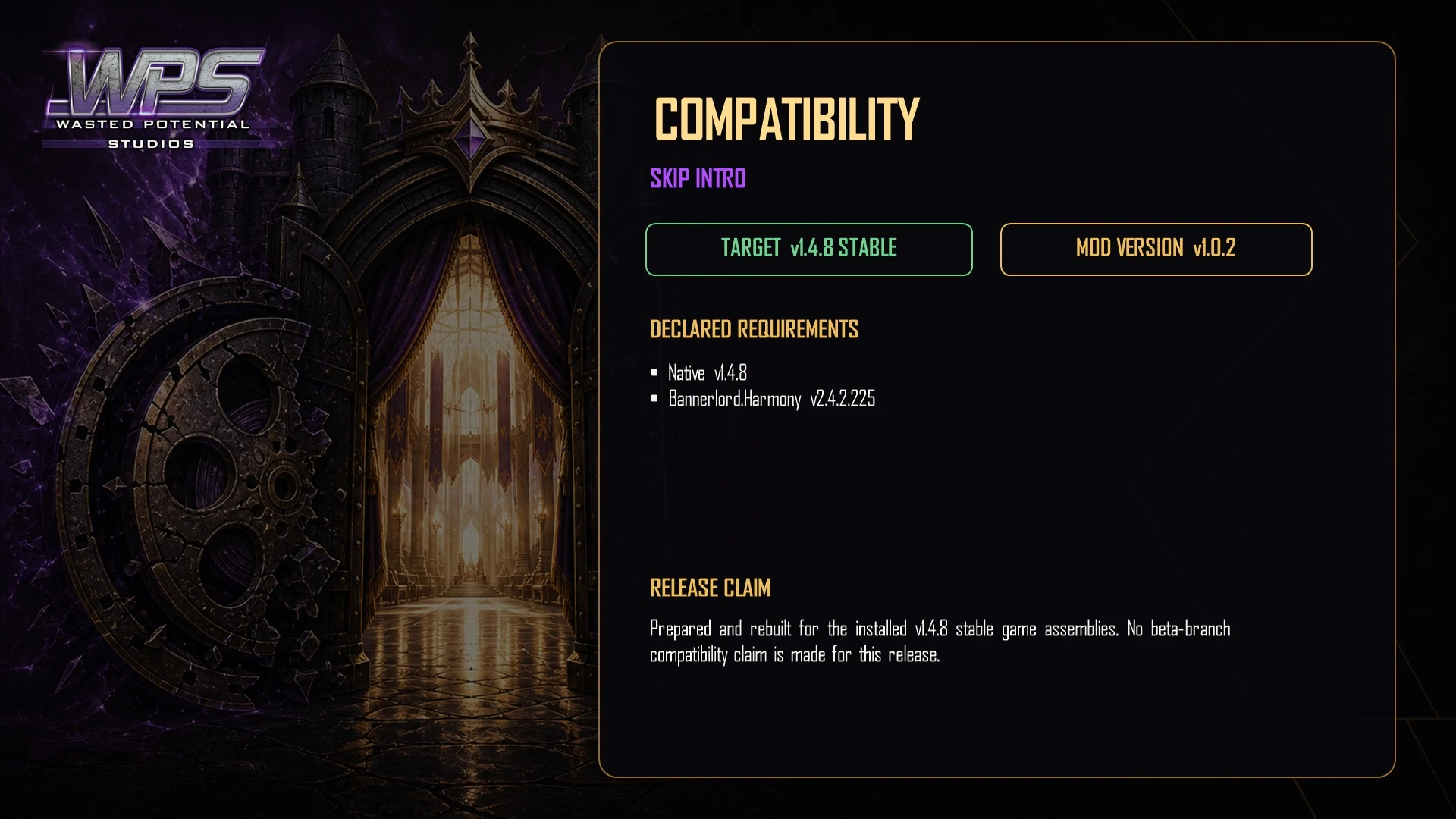
  • Mount & Blade II: Bannerlord v1.0.0 or higher.
  • Bannerlord.Harmony (the Harmony mod). No minimum Harmony version is specified.
  • Base-game Native module; SandBoxCore, Sandbox, and StoryMode are not required for the startup patch.

Installation

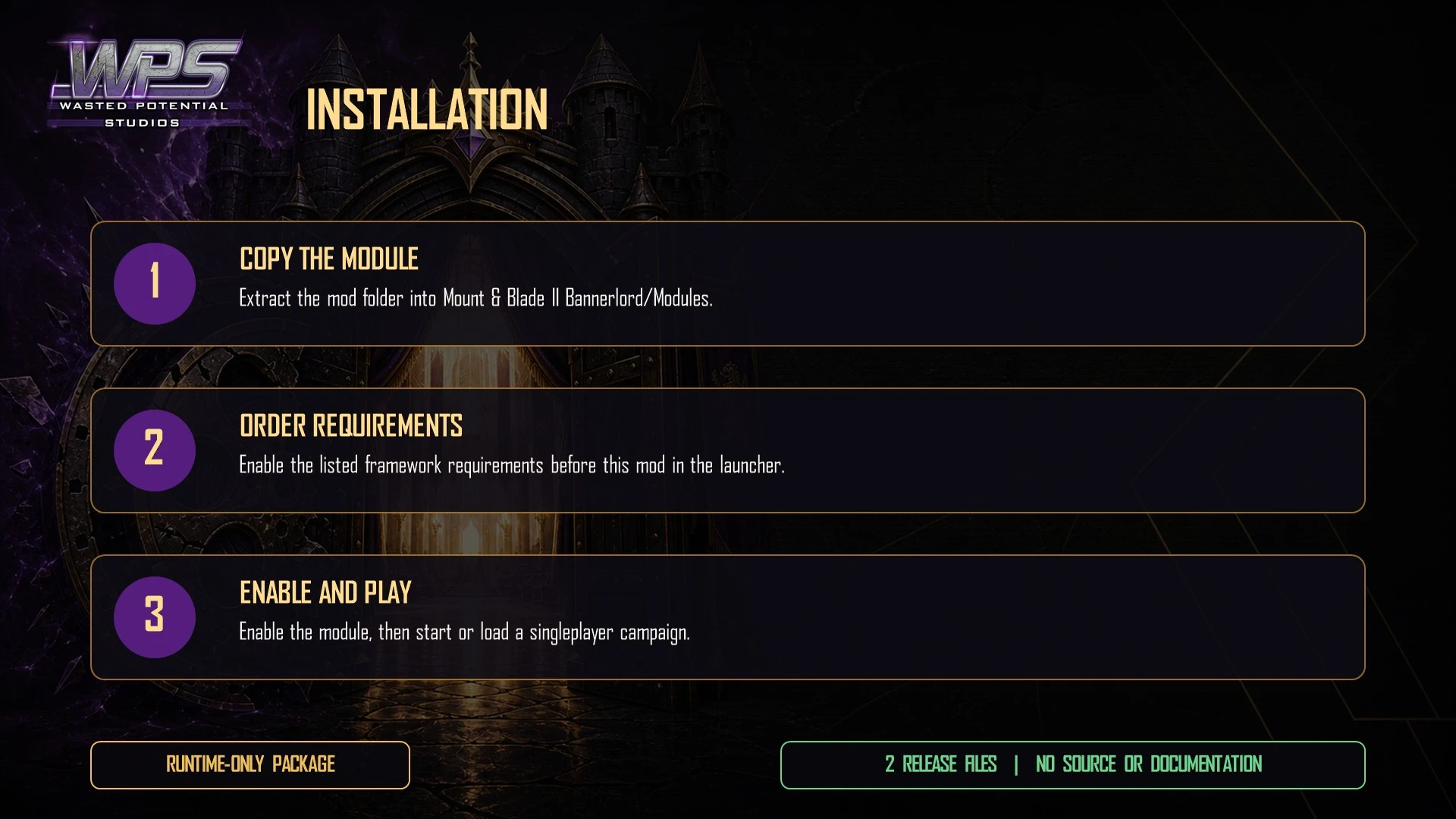
  1. Download and install Bannerlord.Harmony if it is not already present.
  2. Extract the WPS_SkipIntro folder to your Bannerlord Modules folder:
  3. Mount & Blade II Bannerlord\Modules\
  4. Launch the game through the official launcher
  5. Enable WPS Skip Intro in the Singleplayer > Mods section.
  6. Load WPS Skip Intro after Bannerlord.Harmony.
  7. Click Play and confirm the startup video is skipped after normal game loading.

Vortex

On Nexus Mods, select Mod Manager Download for the current WPS Skip Intro file.

Let Vortex install the mod

Enable the mod in Vortex

Ensure Harmony is also enabled and loads before this mod

Launch game and enable in the launcher

Load Order

  • Native
  • Bannerlord.Harmony
  • WPS_SkipIntro
  • [Your other mods]
  • This mod only needs Native and Bannerlord.Harmony. It does not require SandBoxCore, SandBox, or StoryMode and can sit anywhere after Harmony in the load order.

Compatibility

  • The mod targets one startup flag and does not intentionally alter gameplay, economy, campaign, or in-campaign UI systems.
  • A game update or another mod that patches the same startup method or flag can prevent the skip or change patch order. Test startup mods together rather than assuming universal compatibility.

Developer Notes

Technical note: WPS Skip Intro uses a Harmony prefix on TaleWorlds.MountAndBlade.Module.SetInitialModuleScreenAsRootScreen() to set the private _splashScreenPlayed field to true through reflection before the original method runs.

The intended result is for the method to continue through its non-video branch and activate the initial module screen normally.

Uninstallation

  1. Close Bannerlord before changing the module list.
  2. Disable WPS Skip Intro in the launcher.
  3. Delete the WPS_SkipIntro folder from your Modules directory if it was installed manually.
  4. The intro video will play again on the next launch as normal.

Troubleshooting

If the video still plays, confirm Bannerlord.Harmony is enabled and loads before WPS Skip Intro, then fully exit and relaunch Bannerlord.

Confirm the archive contains one WPS_SkipIntro module folder directly under Mount & Blade II Bannerlord\Modules\; an extra nested folder can prevent the launcher from loading it.

Temporarily test without another intro, splash-screen, or startup-patching mod if the main menu fails to appear or the video is not skipped.

When reporting a reproducible issue on the mod's Nexus page, include Bannerlord and Harmony versions, the full load order, and whether the result changes when other startup mods are disabled.

FAQ

Q: Does this work on every launch or just the first one?

A: It is designed to skip the video on each launch while the mod and its Harmony patch are active. A game update or conflicting startup patch can affect that result.

Q: Will this work on existing saves?

A: The skip runs before a save is loaded and the mod does not write custom campaign data.

Q: Does this affect anything else during startup?

A: Its intended scope is the blocking VideoPlaybackState used for the startup logo. Module loading, profile selection, and the main menu still follow Bannerlord's normal startup path.

Q: Does it work with other intro/splash mods?

A: Mods that add main-menu background videos through the initial_menu Videos folder use a different path and may coexist. Mods that patch the same startup method or splash flag require direct compatibility testing.

Q: Why is Harmony required if the patch is so simple?

A: Harmony is the standard patching framework for Bannerlord mods. It is used by the vast majority of mods and is likely already in your load order.

Credits

  • Created by Wasted Potential Studios.
  • Harmony by Andreas Pardeike.
  • Thanks to TaleWorlds and the Bannerlord modding community.

Request support or a new idea

Having trouble with this release? Visit its Nexus page for downloads, bug reports, and player discussions. Have an idea for a new mod, feature, port, or compatibility update? Send WPS a gamer request.