Mount & Blade II: Bannerlord
Level Up Points
The earlier Level Up Points release remains available for older setups. Its features now continue in Attribute Per Level, the maintained combined release.
Player guide View release notes
Make it your own
What it brings to your game
Preserved legacy download
No further updates
Continue with Attribute Per Level
Player guide
Make the most of your mod
This download is retired
Level Up Points 1.0.2 is the older public release. Future updates are provided through Attribute Per Level, which combines the point controls under the WPS_LevelUpPoints launcher identity.
Use the successor link on this page for the maintained release and its current requirements. The original Nexus and Steam links remain available for this older version.
Move to the maintained release
- Close Bannerlord and back up your campaign save.
- Unsubscribe from the old Level Up Points Workshop item before subscribing to the maintained Attribute Per Level item, or download Attribute Per Level from its Nexus page.
- Install the current release’s requirements. Its 1.1.0 release targets Bannerlord 1.5.2 and requires Harmony; MCM is optional.
- Keep one WPS_LevelUpPoints copy enabled and disable the older standalone WPS_AttributePerLevel mod.
- Load the campaign and review the settings. Existing earned points remain; the new settings affect future level-ups.
Check carried-over settings
Older Level Up Points amounts and enabled groups are kept. The new award intervals start at 1 and the mode starts at Exact total.
If you are also replacing the older standalone Attribute Per Level bonus, set player attributes to 1 every level in Bonus mode to reproduce that additive behavior.
After changing mod entries
A changed mod-list warning can appear when moving from an older mod identity. Keep your backup, check that only the maintained combined copy is enabled, and use the Attribute Per Level guide for its current controls and support.
A closer look
Gallery


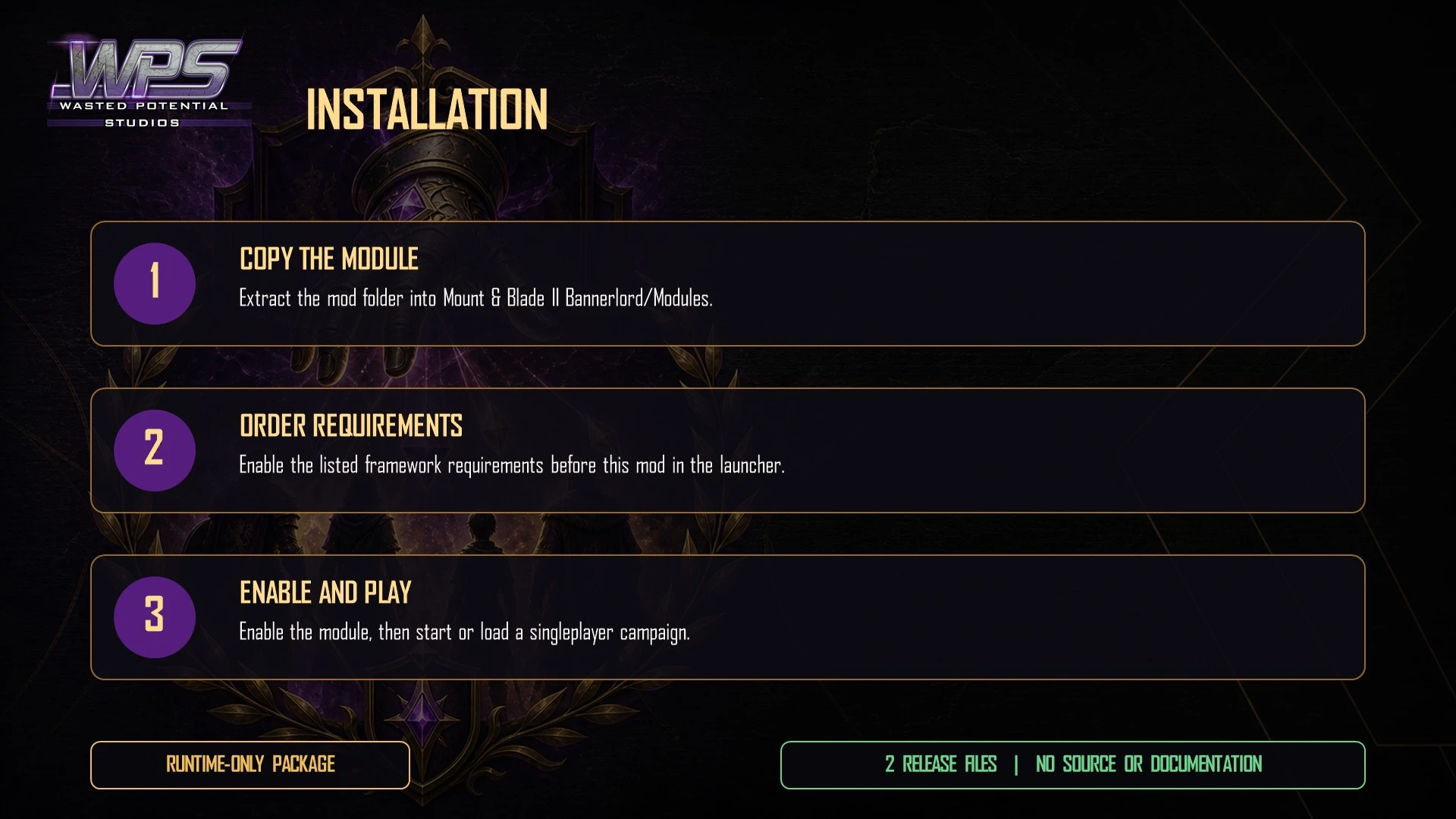
The latest, and what came before
Release notes
Version 1.0.2Nexus Mods
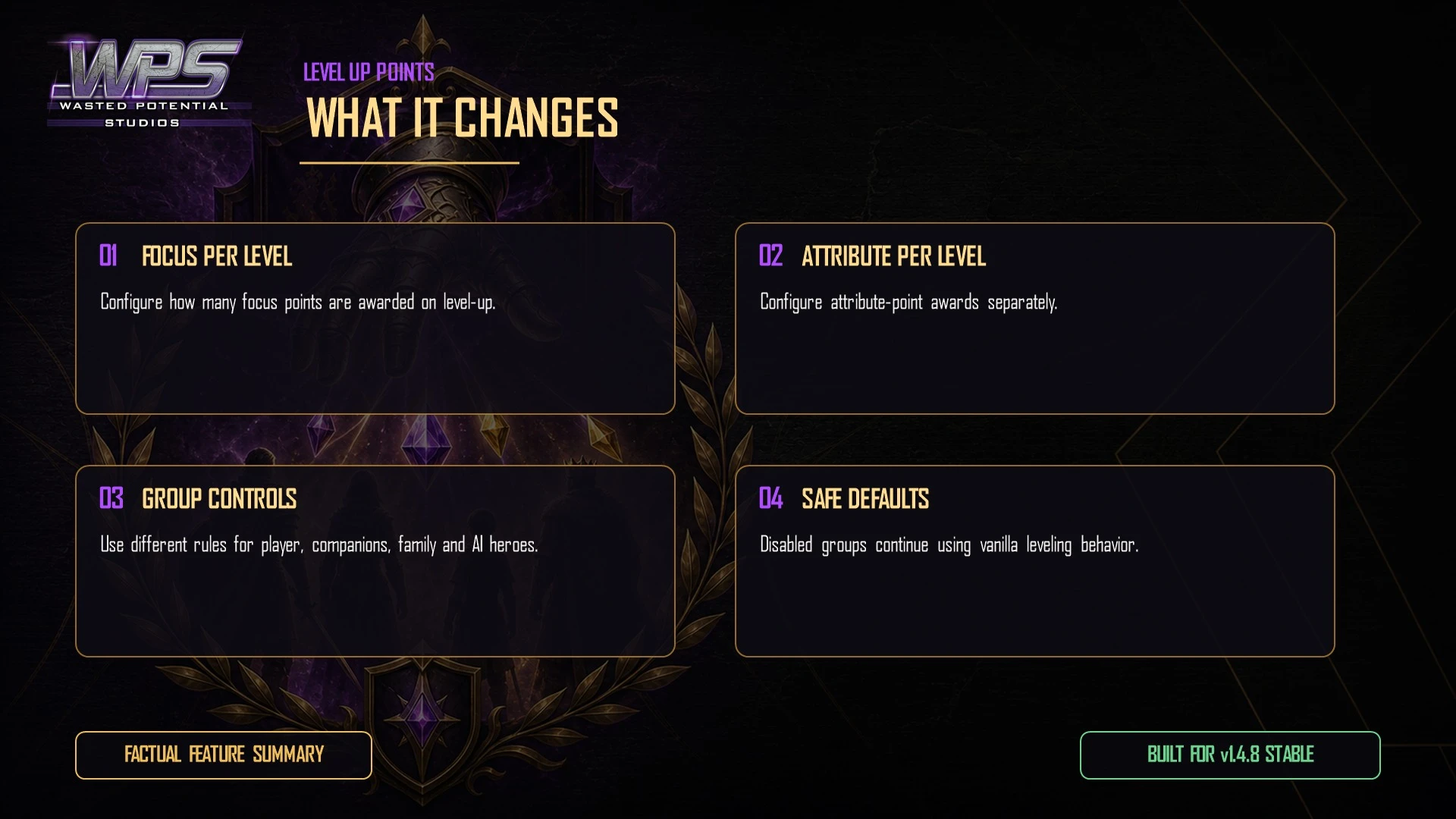
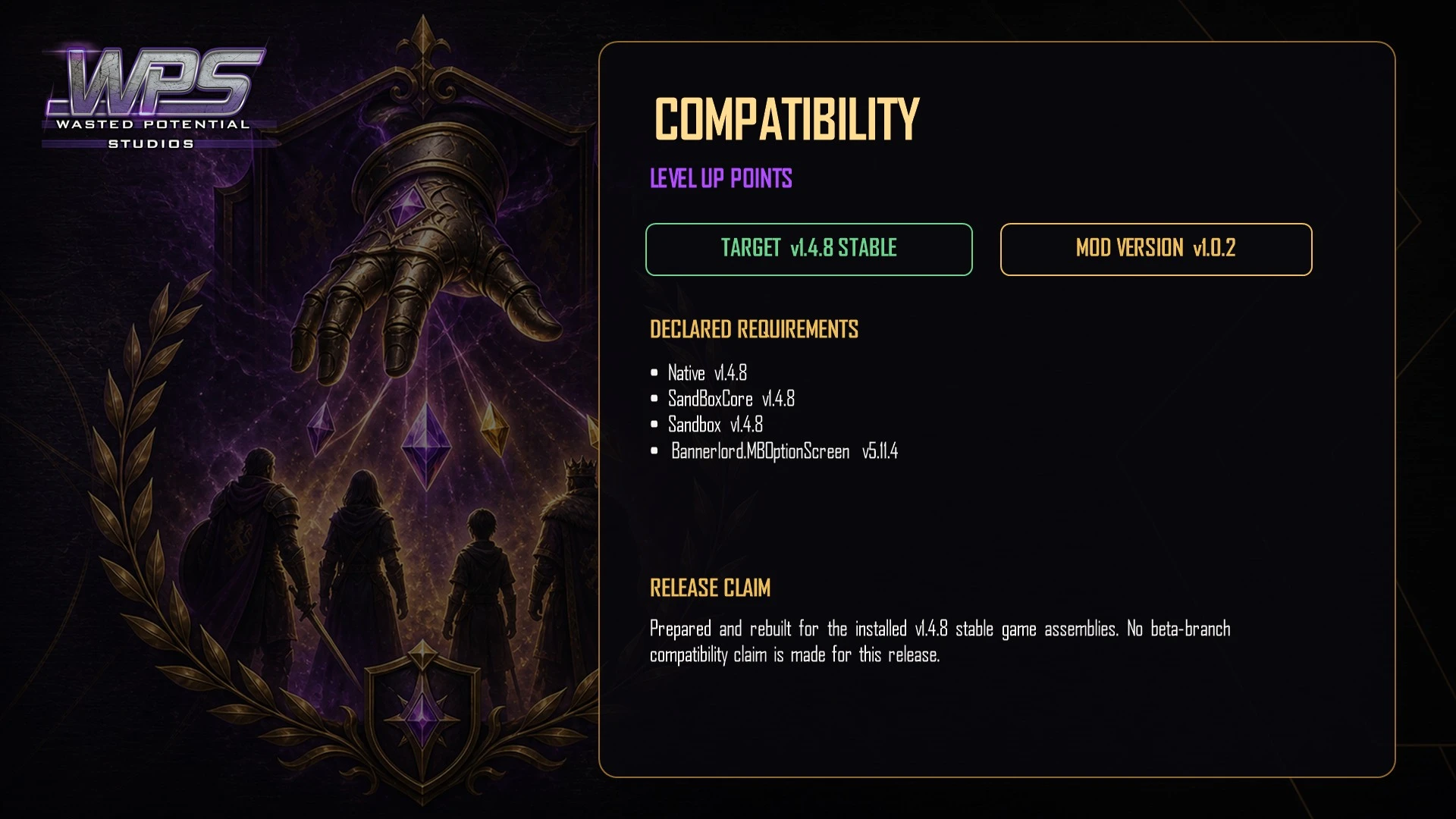
- Updates support and listed requirements for Bannerlord 1.4.8.
- Removes outdated launcher warnings.
- Refreshes the player download and WPS artwork.
Version 1.0.1Nexus Mods
- Updates the game and add-on requirements for Bannerlord 1.4.5.
Version 1.0.2August 25, 2026Steam Workshop
- Updated for Bannerlord 1.4.8 stable and removed incorrect launcher version warnings.
- Refreshed the download and WPS presentation.
UpdateMay 27, 2026Steam Workshop
- Updated the download's game and required-mod information for Bannerlord 1.4.5.
Version 1.0.0May 27, 2026Steam Workshop
- First Steam Workshop release of version 1.0.0.